


You sent 1 ETH to buy some USDC. The amount you got was less than you expected. Where did the chunk of your crypto go? Is it even normal? And are there any ways to avoid losing money during transactions?
TL;DR: It's usually one of two things: a network fee taken out of what you sent, or a rate that moved while your transaction was confirming. Which one applies depends on how you sent your coins and which mode you picked. We'll walk through both scenarios below.
Key Takeaways
- On ChangeNOW, about a half of swaps made via floating mode either match the estimate or land above it.. The number you see is built to match what you get.
- When sending a native coin like BTC or ETH, the network fee usually comes out of that same coin. Check your wallet's fee setting before you hit send.
- Fixed mode locks the terms. On Floating, the payout can shift with the market while your transaction confirms.
- A fee bigger than a small transfer can happen sometimes. Network fees change depending on how busy the network is and high gas fees feel more painful with small transfers.
- A block explorer shows the exact amount that left your wallet - you can verify how much a rate swing or network fee bit off.
Accurate Crypto Swap Rates: Getting the Estimated Amount (or More)
Most ChangeNOW swaps finish at the rate shown when you created them, or better.
When a swap pays out higher, the completion screen shows it directly - you’ll see how fast it went through, and how much more you got.
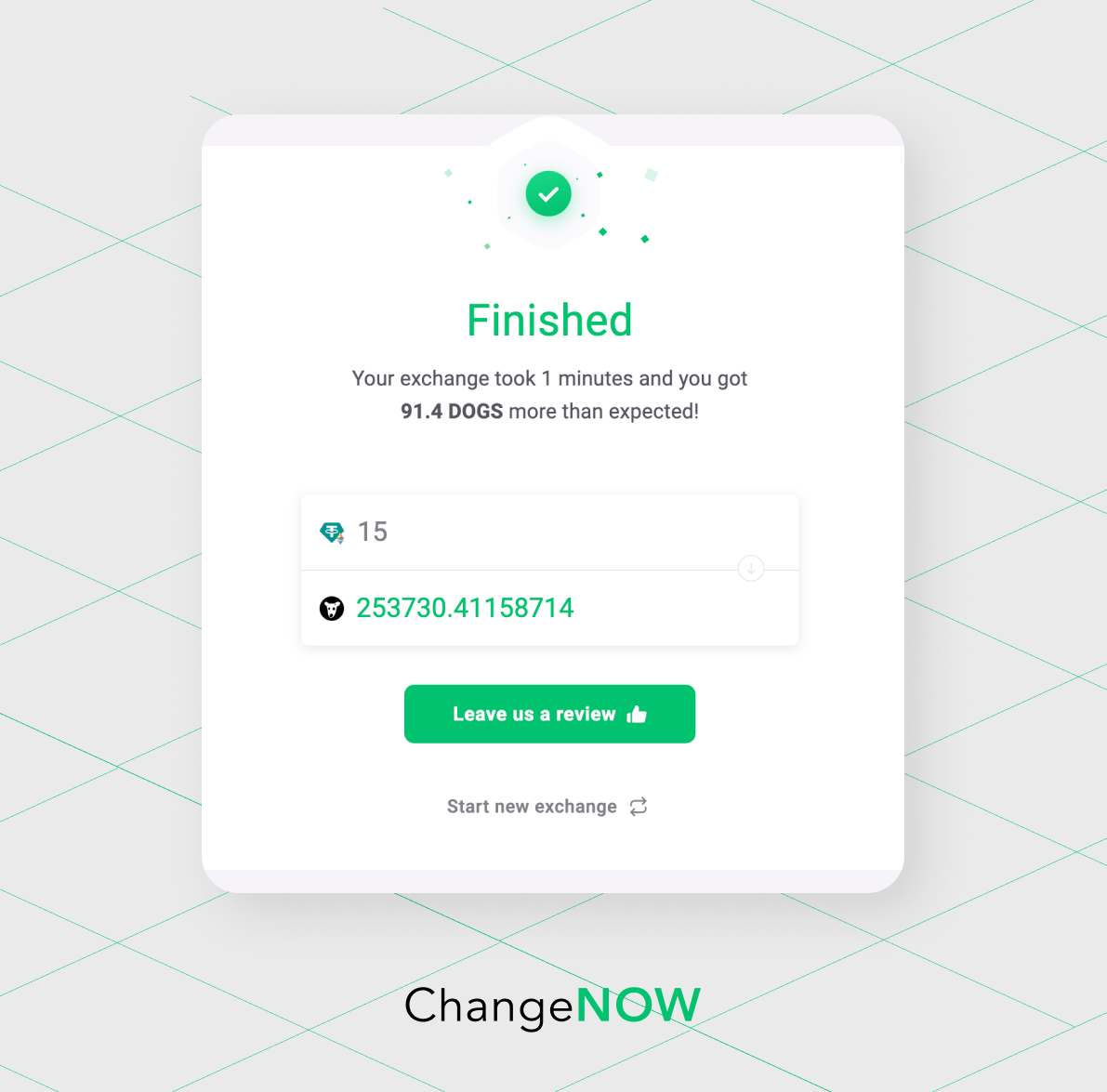
ChangeNOW has a high success rate. This means that 50%+ of our swaps over the last three months were completed at or within just 0.5% of the original estimated rate.
Sometimes a platform shows you a nice initial estimate, but the final amount shrinks after all the fees are deducted, and the final payout turns out to be lower than expected.
ChangeNOW calculates everything upfront. The number you see is the number you get.
Also, we constantly monitor your feedback on Trustpilot.
Recently, a user pointed out that while our platform is easy to use, we could do a better job explaining how network fees affect final amounts.
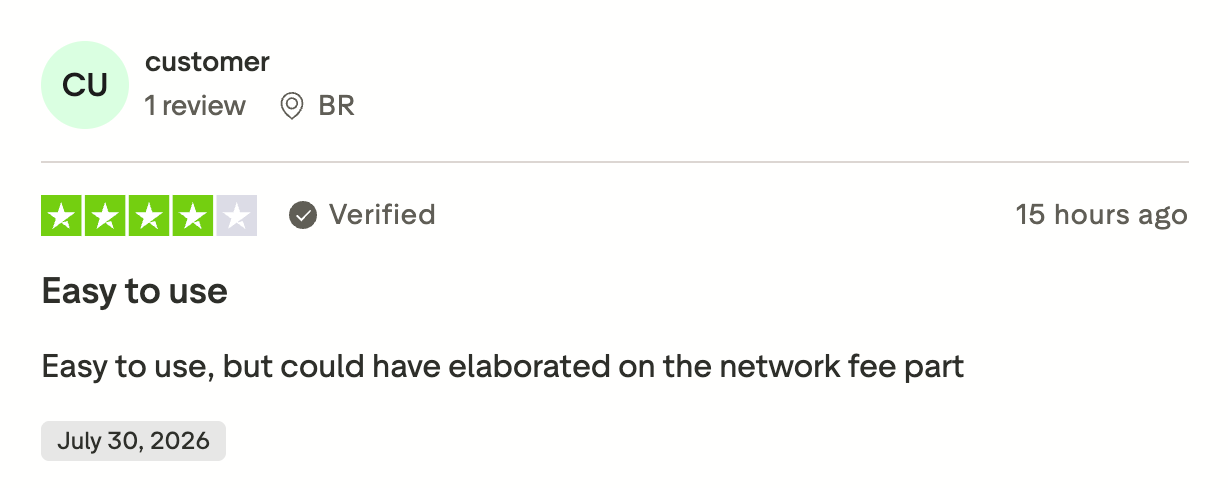
Source: Trustpilot
We hear you! And that’s exactly why we created this guide.
Reason 1: Network Fee Bit a Chunk of What You Sent
If you send a native coin like BTC, ETH, LTC, network fee is probably the reason.
Why You Keep Losing Crypto on Networks like Bitcoin or Ethereum
When you send a native coin, you need to have a small extra amount of the same coin ready to cover network or gas fees.
When sending BTC, you pay the fee in BTC. Sending ETH, pay the fee in ETH.
Depending on your wallet or exchange, that fee can be taken out of the amount you're sending. Not added on top of your total as you’d expect. Especially if you hit "send max," or if your balance was just enough to cover the amount.
Let’s say you want to swap 1 BTC and hit "send".
1 BTC − network fee = the amount that actually reaches the exchange
If the amount on the other end was supposed to match exactly (like in a Fixed mode), even a small shortfall means the swap won't qualify for that fixed guarantee. We’ll explain what happens in this case a bit later.
When you send tokens like USDT or USDC, a fee is paid in the native coin of the network. So, here either the full amount goes through + you pay extra in network native tokens, or the transaction doesn't go through at all.
How Much Can a Network Fee Actually Take
The fee is based on network congestion and how much data your transaction takes up.
That means the same fee appears very differently depending on the size of your transaction. On a $20 transfer, a $1 fee is real money. On a $2,000 transfer, it's nothing.
Oftentimes when you need to send out a small amount, gas fees turn out bigger than the transaction amount itself, which is particularly frustrating.
Bitcoin's average fee was around $0.65 per transaction in late July 2026. While it’s tiny in absolute terms, this explains why most complaints come from smaller transfers.
Network fees are dynamic. Both Bitcoin and Ethereum gas fees move with how busy the network is. They can be insignificant for weeks and then spike during a rush.
Why? Well, because network fees go to miners or validators who process your transaction. The more workload the network experiences, the harder it is to process a transaction.
Crypto Networks with Lowest & Highest Fees
Important note: fee markets move, and a network that's cheap today can get expensive during a busy week.
| Fee levels | Networks |
|---|---|
| Usually near-zero | Solana, most L2s like Arbitrum, Base, Optimism, Tron (for TRX) |
| Usually low, but can spike | BNB Chain, Polygon, Litecoin |
| Moderate, congestion-dependent | Ethereum mainnet |
| Most volatile / can spike highest | Bitcoin mainnet during high demand |
Reason 2: The Rate Changed While Your Transaction Was Confirming
Crypto prices move quickly and unexpectedly. The rate you were shown is the rate of that exact moment. It's variable until your transaction gets confirmed on the network, and that takes time.
The amount of time depends on the network and how busy it is. A transaction can stay unconfirmed for a few minutes, longer if the network's congested.
Next read: Why Is My Transaction Stuck on Pending?
The longer your transaction stays in that undefined state, the more room there is for the price to move before the trade actually goes through.
Keep in mind that the price moves in both directions. Sometimes you'd actually end up with more crypto than quoted. And people, of course, mostly complain about the times they got less.
Market movement is normal, there are ways to minimize the impact of that movement.
And ChangeNOW built two ways to handle it. That's next.
Fixed vs Floating Modes on ChangeNOW
TL;DR: There are two modes for swaps on ChangeNOW: floating and fixed. Floating is your standard live market mode with usual price swings. Fixed mode protects you from market surprises of any kind and holds the rate for a limited amount of time.
Switching modes can’t shield you from high network fees, though.
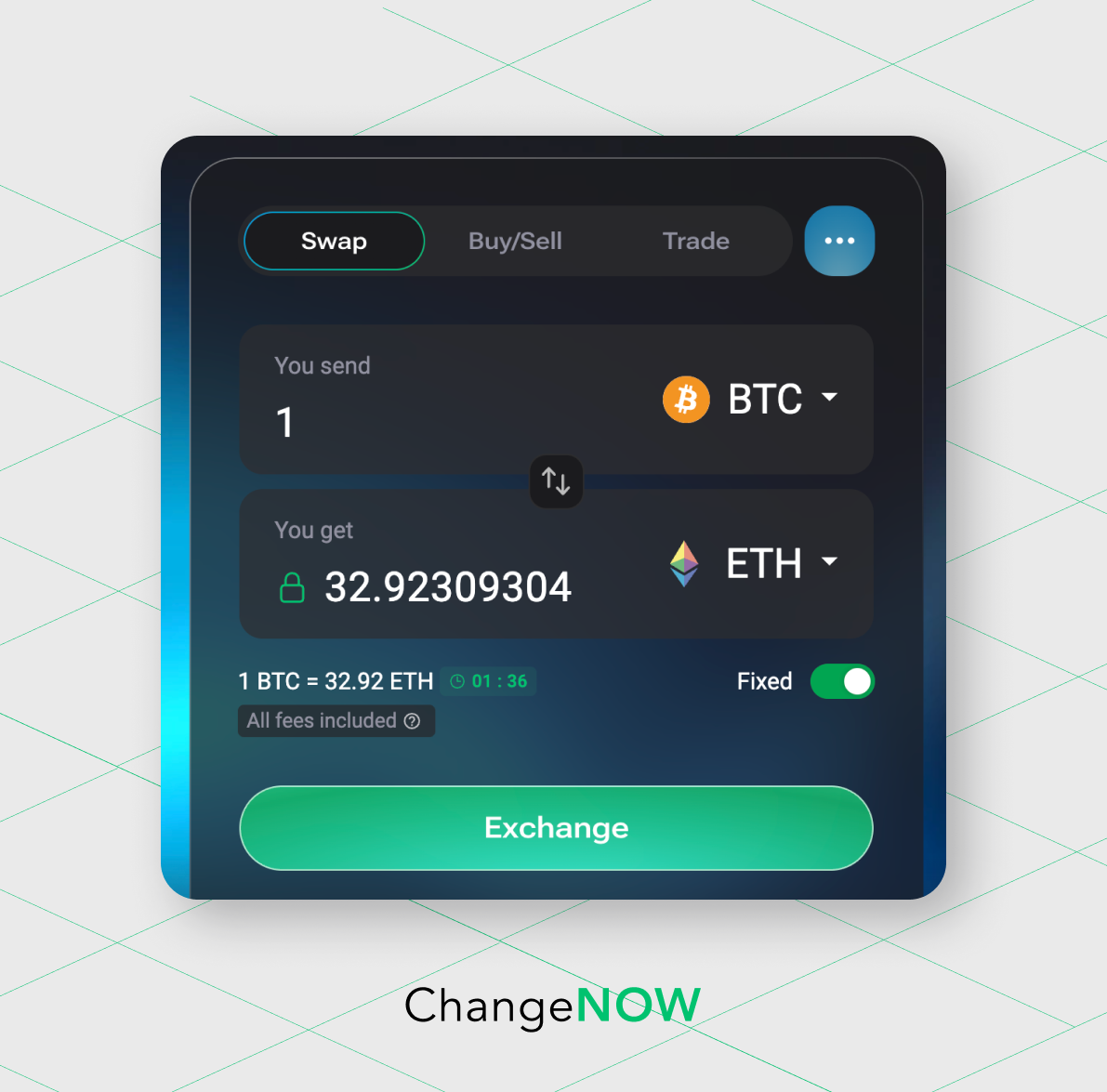 Fixed mode: comes with three conditions.
- You send the deposit within 10 minutes of creating the swap.
- You send the exact coin, on the exact network, you selected when you set up the swap.
- You send the full amount you started with.
Accidentally sent crypto to a wrong network? Happens to the best of us. Check this recovery guide.
If something goes wrong and your swap fails to match all the conditions, it just drops out of the Fixed mode. From there, it either continues at the current market rate (Floating mode) or gets refunded.
If the mismatch happens because of something going south on our end, the fixed rate still holds. Our mistake won’t become your cost.
Important: Don’t hesitate to reach out to our Support team if you have any questions or experience technical difficulties. Our agents are always happy to help!
All Fees Included: How ChangeNOW Keeps Swaps Transparent
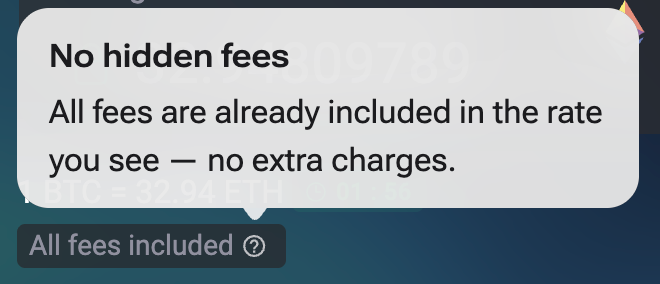
In both modes, you can see a small tooltip "All fees included" and it’s there for a reason: the number you see in the “You get” field already has both the network fee and the service fee subtracted.
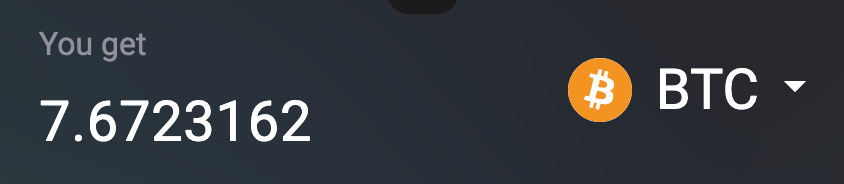
In Floating mode, if the asset price stays nice and still, you’ll get exactly the amount we showed you. In Fixed mode, it’s guaranteed.
How to Check Where the Missing Crypto Went
Some things you can verify yourself and not take the final number on faith.
Here’s what you can do:
- Find your deposit transaction. Every swap has a transaction ID (or TX ID) and a deposit address. Copy the deposit address and look it up on a block explorer for the network you sent from: Mempool.space for Bitcoin, Etherscan for Ethereum, and so on.
Check or guide on blockchain explorers to learn more about them.
- Compare what left your wallet to what you meant to send. The explorer shows the exact amount that arrived at the deposit address.
If it's slightly less than what you intended, by roughly what that network's fee normally runs, that's Reason 1. The fee came out of your amount before it even got to the exchange.
- If the full amount arrived intact, but the payout was lower than quoted, that's Reason 2. Meaning the mismatch happened because of the rate swing.
Here's how it usually happens in real life. Someone sends the crypto equivalent of $50 and expects roughly $50 back in fiat. What they get is more like $35.
Checking the blockchain explorer, they see the amount that left their wallet matches what they sent to a penny. And the network fee on that transaction is well under a dollar. So the ~$15 difference can't be the fee. Then it has to be the rate.
5 Tips On How to Save Your Crypto During Transactions
Network/gas fees won’t go anywhere and the market will stay unpredictable forever. Does it mean there’s nothing we can do to save our money from slipping mid-transaction? No.
Here are 5 tips you may want to follow:
- Before you send, check whether your wallet takes the fee out of your amount or adds it on top. Most wallets let you choose. That’s especially important if you're using the "send max" toggle.
- When sending native coins like BTC, ETH, leave a little extra to cover the network fee.
- If it’s not time-sensitive, don’t send crypto during major network traffic spikes like big token launches or sharp market moves. Events of this sort tend to push up both fees and rate volatility.
- Before you confirm a small transfer, check the fee estimate against the amount you're sending. If the fee eats a big chunk of it, better to be aware of that before you hit send.
- If your swap is stuck on "pending", check this article and give the transaction some time to go through.


