This listicle of top crypto mistakes mostly covers routine stuff - swaps, transfers, cross-chain bridging, more than the issues that occur when trading crypto. That's where most support tickets on our platform come from, and since our goal is to make crypto as convenient and easy to use as possible, we’re here to provide some guardrails and help you avoid unnecessary stress.
Here's the list of what goes wrong, starting with the one that our support team solves most often.
1. Your Swap Gets Flagged for AML/KYC Check
A common case. An automated risk check reviews your swap and the coins that are involved before release.
To make it perfectly clear: the check is not about you as a user. Crypto carries a transaction history. If the coins passed through an address flagged before, that flag carries over to whoever sends them next. Support asks for ID to confirm who's on the other end, and the hold lifts once that clears out.
ChangeNOW support case: One user's BTC swap got flagged for a second verification round. ID cleared, a refund got approved, then a second problem surfaced: the wallet from the original request was gone, the seed phrase lost months earlier. Support redirected the payout to a new address, and the user tracked down the old seed phrase in the meantime and recovered the original wallet anyway. Funds landed within the week. Happy end.
2. Correct Address, Wrong Network
Critical fact:address format ≠ network identity.
Ethereum, BNB Smart Chain, Polygon, and Arbitrum all use the same address format, so when you paste in the address for Ethereum, but select Arbitrum, your data checks alright. But your crypto lands god knows where or doesn’t land anywhere at all.
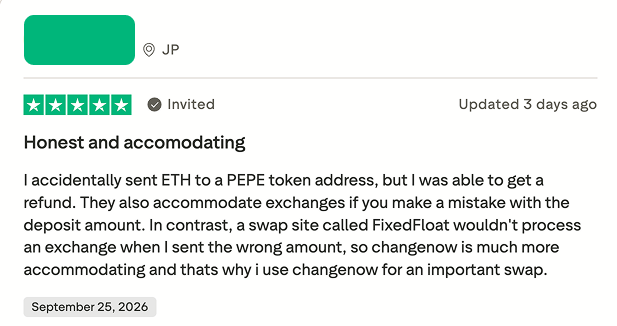
The check doesn't look at which coin the address expects either. One user sent ETH to a deposit address generated for a PEPE swap: same network, wrong coin. Support recovered the funds and refunded them.
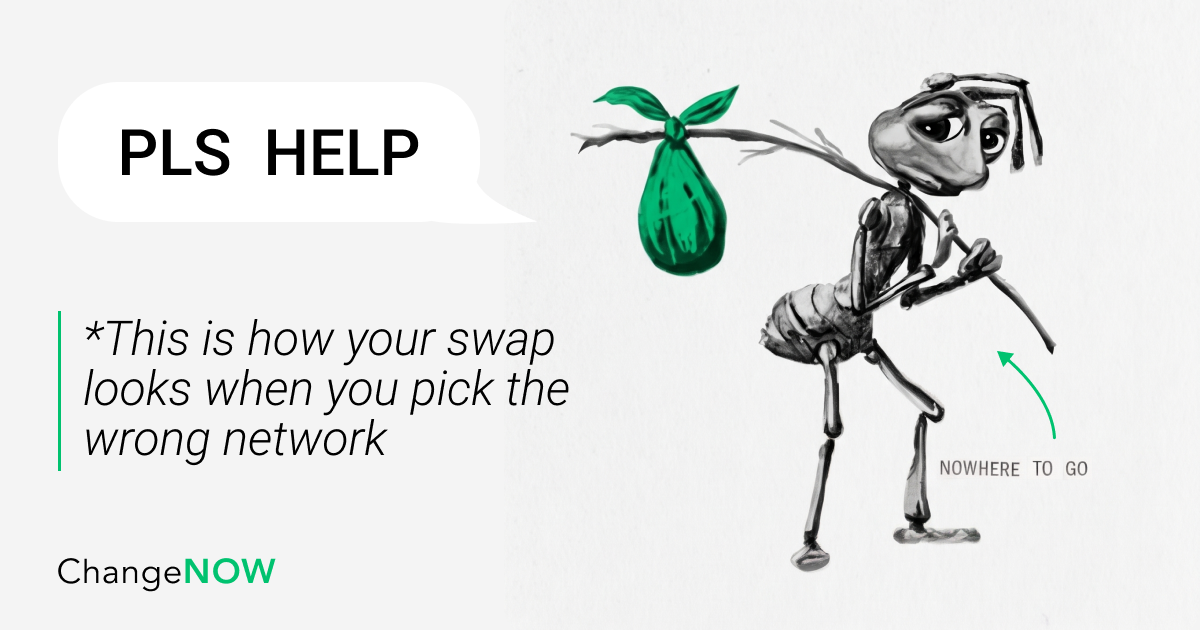
1. Wrong network, again. The swap reacts to one specific network it's set for. If the wrong network gets picked by mistake, the swap loses all bearings, not knowing where to go, like that meme ant carrying off a sack of crypto.
To the user, it just looks like a normal "waiting for deposit" screen. But the swap's gone blind in both eyes, and the wait can drag on. After a while the user, in a panic by now, goes to support for help. Support gets the data it needs from the user, like the TrxID/hash, and then manually kicks the swap in the right direction.
2. Rate shown/rate expected. The rate on the swap page already includes the network fee and the spread. A rate you pulled from Google doesn't, because Google shows you the mid-market average - more of a mathematical reference. You do not get a separate bill at the end to pay since your estimate already has all fees included.
3. Floating by default. Skip the fixed-rate toggle and the swap runs floating by default. Floating keeps tracking the market until the deposit confirms. And Fixed locks the rate the second the order gets placed. Each mode has its own benefits and drawbacks, more about those here: Fixed vs Floating Exchange Rate in Crypto: Which to Choose?
Fees are calculated and subtracted out of the swap amount automatically and shown in the “You get” field.
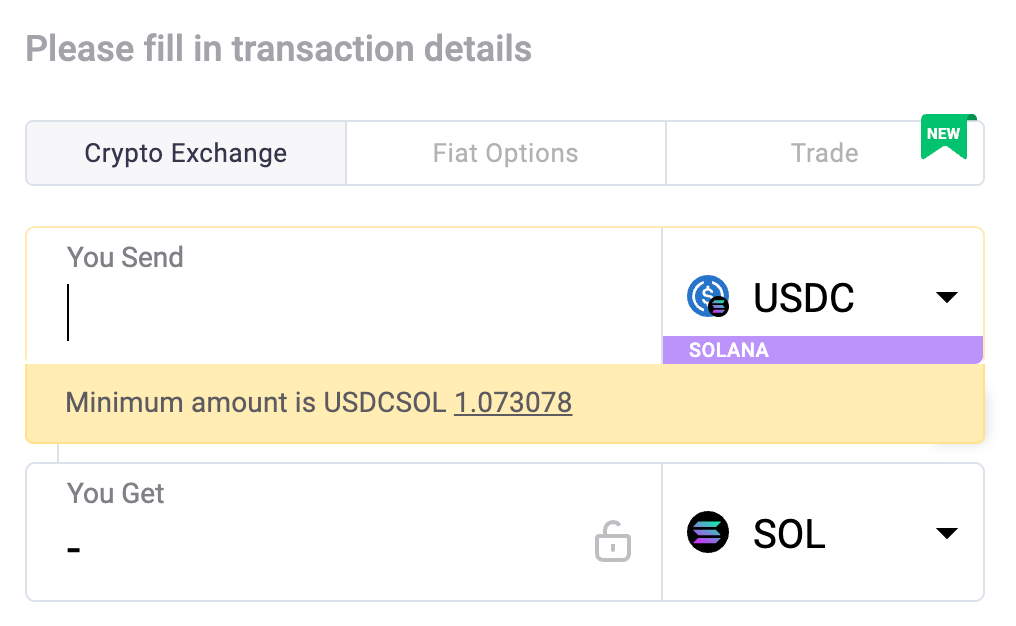
For each coin there’s also a minimum amount - you can see it in the screenshot above.
Often people undershoot it, but sometimes it's not even their fault.
In some cases, exchanges send funds in batches if your balance was initially combined from separate pieces. And the culprit here is UTXO, a data accounting model that treats your crypto balance as a stack of banknotes of different value. Like 0.5 BTC is one banknote, and 0.3 BTC that you received the day before is another banknote.
On the receiving end it looks like getting 2 or 3 separate transfers - each below the minimum deposit, even if combined they're enough.
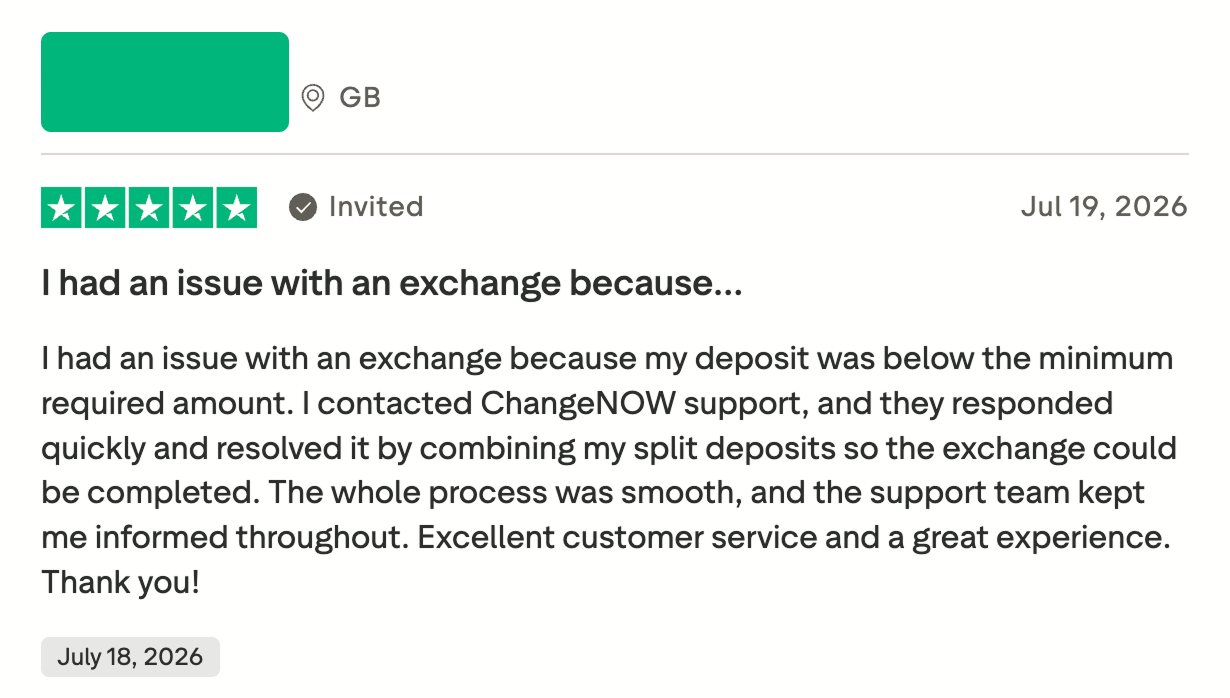
ChangeNOW case: One user's deposit came in below the minimum for exactly that reason - their deposit arrived in several split transactions. Support combined the pieces and completed the exchange.
For what feels like forever. One of the most common reasons it’s stuck is because your swap is gathering confirmations.
Every transaction needs a set number of confirmations from the network before it starts processing, and that number changes by coin and by how congested the network is.
The swap page shows "pending" for the whole wait, two minutes or two hours, without showing how many confirmations have been received against how many are required.
ChangeNOW case: One user's transaction got "stuck." They got so worried that they decided to send a message to one of our support agent’s DMs. Agent Nika shared her memories of this case:
"We're actually not supposed to be messaged directly, and support doesn't help through DMs. But I assisted the user out anyway, just to be helpful - he was way too worried."
Key takeaway: Please, don't message our agents in DMs, but do message @ChangeNOW_chat on Telegram instead - there are more agents there anyway, and they're always ready to help. Or you can write directly to [email protected].
Also, our agents never message you first in DMs, so if someone does, that's not us.
6. Memo/Tag: The Field You Tend to Skip
Key takeaway: Some networks route funds to a shared address, and not a unique one for each network. XRP, XLM, and a few others put every user's deposit into the same pool address on the receiving end, and the memo or destination tag is like a luggage tag - it tells the pool whose deposit is whose. If you skip it, the funds will arrive at the pool with no Identification signs and just wait to be recognized.
Exchanges show the tag field separately now, so the blind miss is rarer than it used to be.
The thing that still confuses people is terms that vary from network to network: XRP calls it a destination tag, XLM calls it a memo… Might seem like potato/potato, but people carry the habit over anyway and either skip a tag that's actually required or look for a field that isn't there.
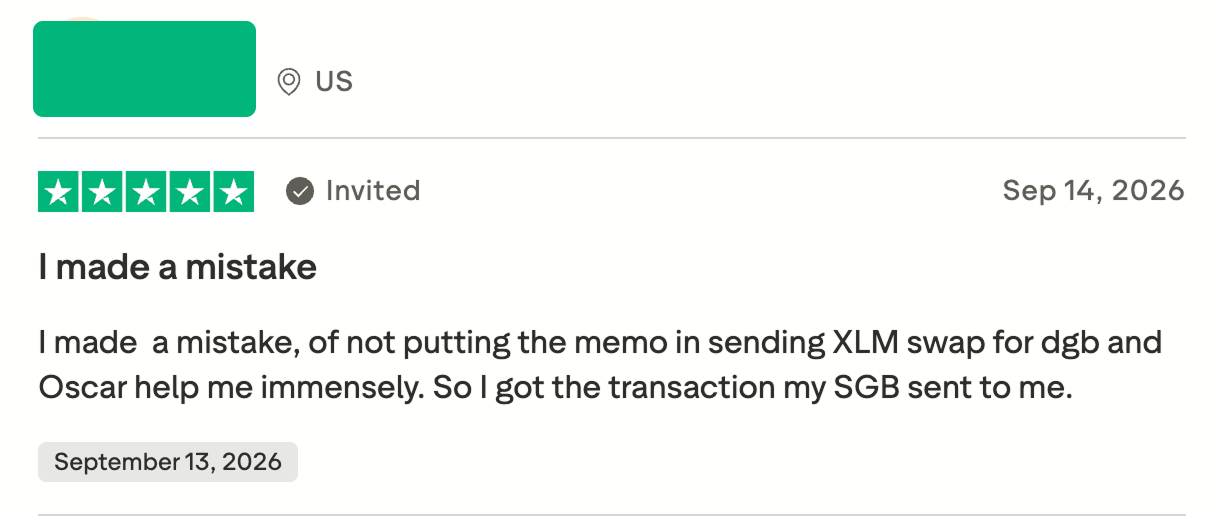
ChangeNOW case: one user swapped XLM without including the memo. Agent Oscar tracked the transaction down manually and got the funds credited to the user's account. Kudos to Oscar!
Here's how it works: scammers watch the blockchain for real transactions, then send a tiny transfer from a lookalike address, one matching the first and last few characters of an address already used. That impostor address now shows up right in the wallet's transaction history, next to the real one.
A user copies and pastes the "recent" address out of habit, and now someone else is getting their crypto.
And nothing flags it. The address is valid, it's just not yours.
According to Blockaid, address poisoning attempts increased from 628,000 in November 2025 to 3.4 million in January 2026, with approximately 1 in 200 being successful. So, be careful and always check the whole address symbol by symbol or type it in by hand.
8. Using Fake Exchange Sites
Here's another one from support: back in 2025, a user lost over $20,000 to a fake ChangeNOW site at the deposit step.
The site used Punycode, an encoding system that lets a domain register characters that render as the real site's name but decode to something else entirely. In other words, a domain visually identical to the one it's copying.
Example:Apple.com vs App1e.com
Ads and search results carry it to the top just as easily.
Here’s what happened in 2025: the user landed on the fake ChangeNOW website, created an exchange, got their deposit address swapped at the last step, and sent funds straight to the scammer. That exchange never even registered on ChangeNOW's end since the website was fake in the first place.
Fixed locks a rate the moment the order gets created, but that lock only holds for 10 minutes. Miss the window, and the rate isn't guaranteed anymore, whatever's sitting in the mempool gets treated as a fresh deposit at the default rate instead.
A slow network fee is the usual reason it gets missed. Set the fee too low during a busy stretch on Bitcoin, and the transaction stays unconfirmed past the time limit, arriving after the fixed rate has already expired.
10. Choosing Receiving Network Your Wallet Doesn't Support
When you exchange, the system doesn't care which network you pick, it'll send through any of them. But your wallet does care, it might just not support certain networks, and the user has no idea.
ChangeNOW case: once a user accidentally sent CASH to a Solana wallet. Support refunded the funds. Yup, that’s the whole case.
Quick Recap
Ten issues, ten fixes. Saved in one place so you don't have to scroll back through the whole list next time something looks off.
Issue
How to Avoid
Swap flagged, on hold
Send verification docs as soon as they're asked for, don't sit on the request
Correct address, wrong network selected
Match the network selector to the actual chain, address format alone won't confirm it
Rate shown doesn't match rate expected
Compare against the swap page, not an external rate tracker
Received less, floating rate kicked in
Pick fixed if the payout number needs to stay exact
Deposit below the minimum
Check the minimum before sending, send as one transfer where possible
Wrong deposit amount sent
Match the amount to the order exactly, fees come out automatically
Pending, no movement for a while
Check confirmations on a blockchain explorer before assuming something's wrong
Memo or tag skipped
Check whether the destination needs one before sending, not after
Address copied from transaction history
Type the address fresh, or copy it only from the official source
Fake exchange site
Bookmark the real site, decode any URL that looks slightly off before clicking
Fixed rate expired
Send within the 10-minute window, set the network fee high enough to confirm in time
Receiving network the wallet doesn't support
Confirm the wallet tracks that network before picking it
Final Thoughts
Things happen. No one's immune to mistakes. What makes the difference is having a support team that actually shows up when something goes sideways, the way ChangeNOW's support team does.
Got a swap that's acting up? Running into something this list didn't cover?