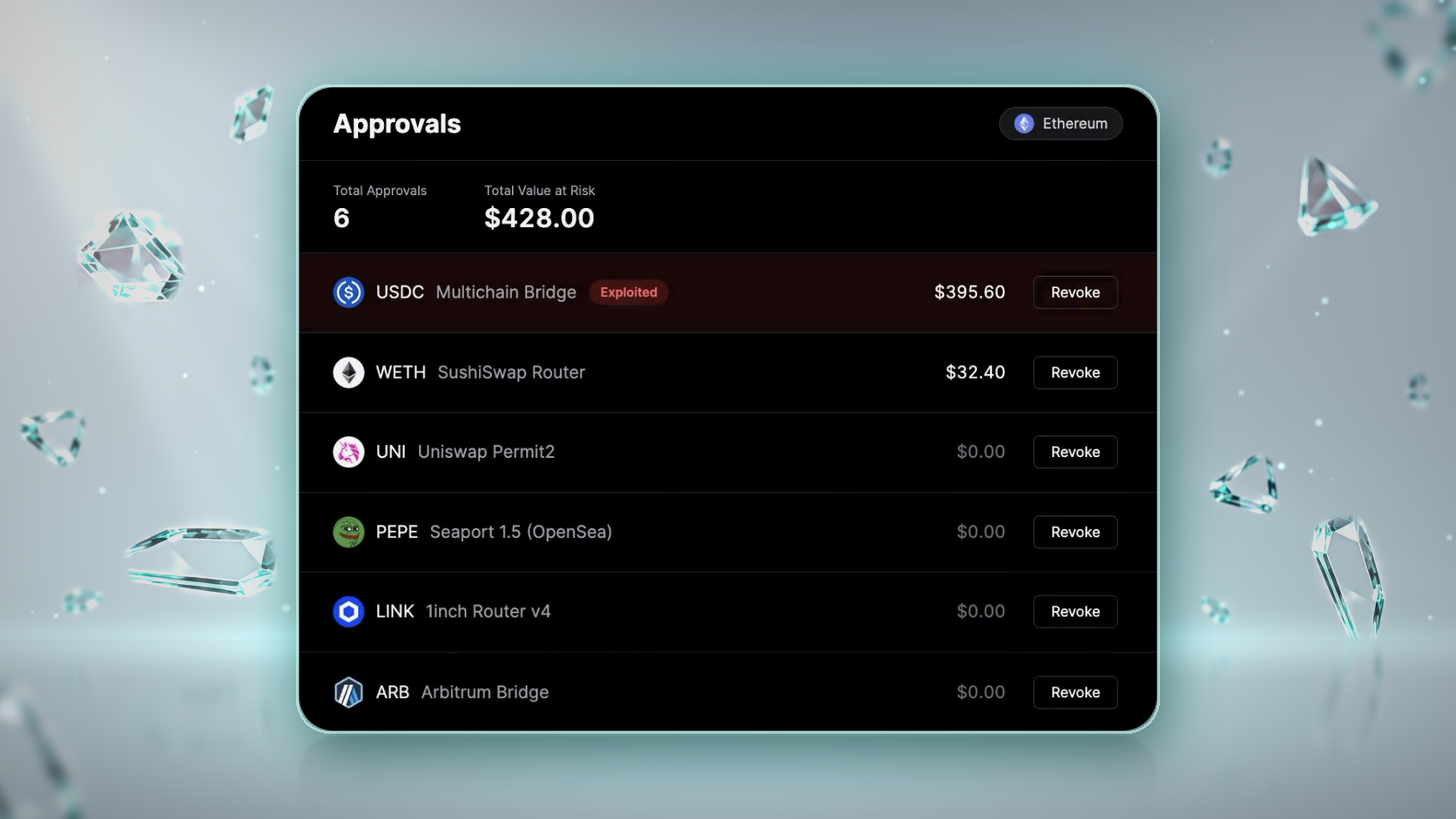
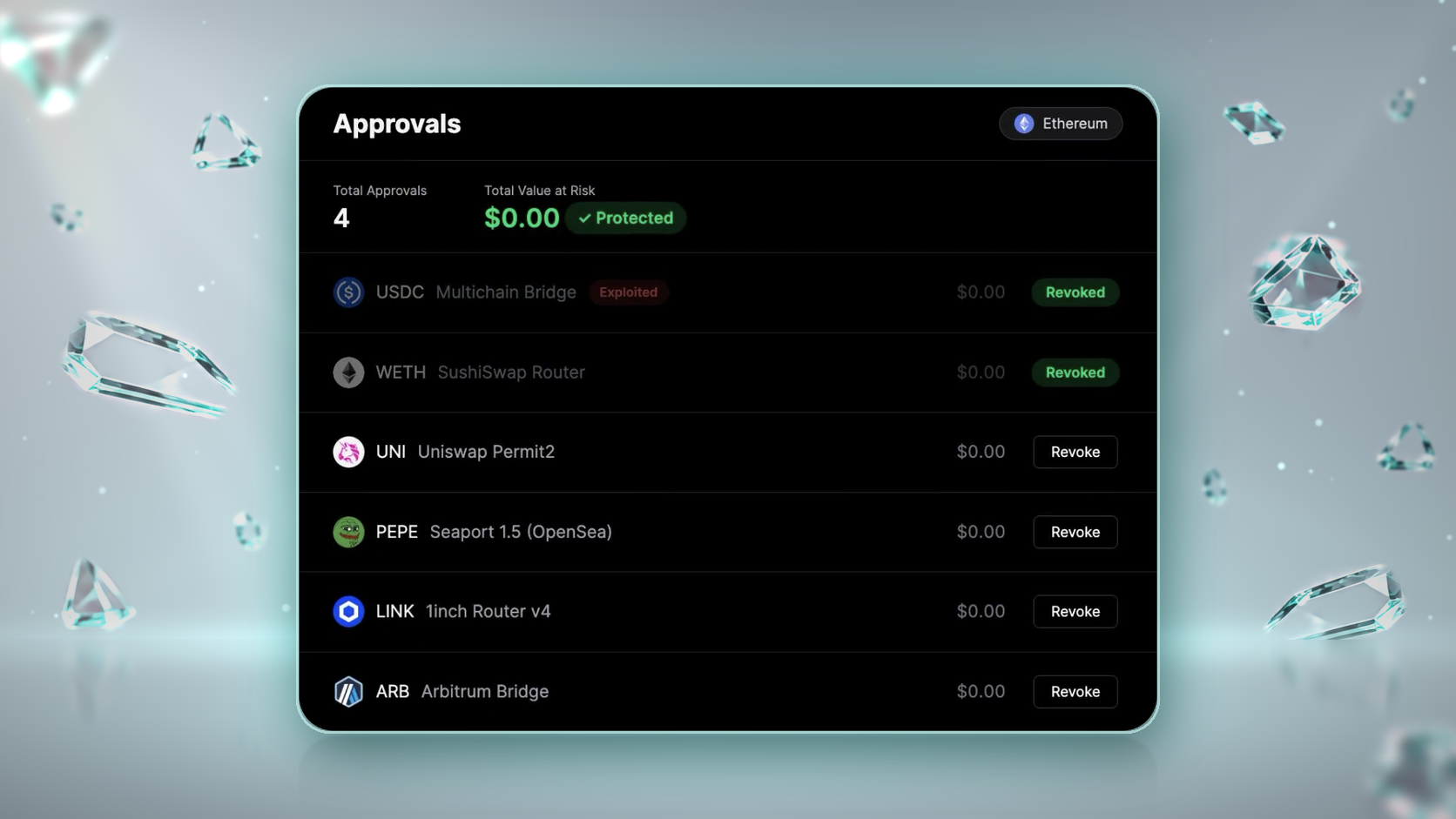
On 16 November 2026, a Gnosis Safe multisig wallet lost about $6.45 million, mostly in USDC and syrupUSDC. None of the owners signed the transaction. The funds left through the wallet's Zodiac Roles module, a permission the owners had set up earlier so that an authorised address could act without collecting signatures each time. According to Zodiac, a role member's key was probably compromised and sent a transfer that the custom policy allowed. Safe said the incident affected one multisig, as Altcoinbuzz reported.
It keeps happening. On 1 October 2026, an attacker abused a third-party Safe module called FlashLoopAdapter, which two Aave-linked Safes had already enabled, and took about $305,000, Crypto.news reported. On 14 November 2026, after the Pennysia exploit, the security firm SlowMist urged users to revoke old token approvals, because pausing the protocol did not cancel the permissions users had already given.
In none of these cases did attackers break the wallet itself. They used permissions that already existed. This guide shows how to find these permissions and revoke them, from token approvals to Safe modules.
Key Takeaways
To revoke wallet permissions, open an approval checker, review the list on each network you use and revoke what you no longer need. Disconnecting a dApp is not enough.
Most token approvals do not expire: they stay active until you revoke them. Some permissions, such as Permit2 allowances and signed permits, come with an expiry date.
Attackers often use permissions you gave earlier instead of asking you to sign something new.
You can check approvals for free; revoking them is an on-chain transaction with a network fee.
In a Safe multisig, enabled modules, including role modules such as Zodiac Roles, can execute transactions without owner signatures, so they need the same review as approvals.
What Are Wallet Permissions?
A wallet permission is a right you give a smart contract or another address to act on your wallet's behalf. You give most of them while using dApps, often without noticing, and they stay in place after you leave the site.
What Is a Token Approval and Why Do dApps Ask for Unlimited Amounts?
FAQ
Revoking a token approval sets the allowance a contract has over one of your tokens to zero. After that, the contract cannot move that token from your wallet. Tokens it has already moved are not affected.
Usually not. According to ethereum.org, revoking access does not affect your strategies, but you will need to approve the token again the next time you use that dApp. Features that move your tokens later on your behalf, such as open limit orders or automatic top-ups, can stop working until you do.
Connecting itself gives the site no permissions, and you can also paste your address to view approvals without connecting. The risk comes from fake copies of these tools, so type the address yourself and confirm that every transaction you sign there sets an allowance to zero.
Only partly. It keeps your keys offline and shows each request on its screen, which helps you catch a malicious approval if you read it carefully. Once you confirm an approval, the contract can use it like any other. You can revoke approvals from a hardware wallet by connecting it to an approval checker and confirming each revocation on the device.
No. On a custodial exchange account, the exchange holds the keys and you do not sign approvals for its contracts. You only deal with approvals in wallets where you hold the keys yourself.
No. Blockchain transactions cannot be reversed, so revoking only prevents further losses. Treat any service that promises to recover stolen crypto for an upfront fee as a likely scam.
A token approval is an on-chain permission that lets a smart contract spend a token from your wallet, up to a set amount called the allowance. A dApp needs an approval before it can take your tokens for a swap or a loan. Many dApps ask for an unlimited amount, so that you approve once and pay one fee instead of approving again before every transaction. The convenience has a cost: as ethereum.org notes, a platform with unlimited rights can keep moving your tokens even after you withdraw them back to your wallet, and those rights never expire on their own.
What Other Wallet Permissions Should You Check?
Token approvals are the most common permission, but a wallet can grant several other kinds of access. This table shows what each one allows and how to remove it.
Permission
What it allows
Does it expire?
How to remove it
Token approval (allowance)
A contract can move a set amount of one token
Usually no
Revoke or reduce the amount
NFT approval ("approve all")
A contract can move every NFT in a collection
No
Revoke
EIP-2612 permit signature
A signed message that a spender can later turn into an approval
Has a deadline
Hard to cancel before it is used: move the token to another wallet or wait for the deadline
Approval to the Permit2 contract
Permit2 can move the token for apps you authorise through it
Usually no
Revoke like any approval
Permit2 allowance
One app can spend the token through Permit2
Yes
Revoke in an approval checker or let it expire
dApp connection
A site can see your address and request transactions
Depends on the wallet
Disconnect
Safe module (including roles)
A module can execute transactions without owner signatures
No
Owners disable it
EIP-7702 delegation
Contract code can act on behalf of a regular wallet
No
Clear the delegation in your wallet
Solana token delegate
A delegate can move a set amount from one token account
No
Revoke
Token-2022 Permanent Delegate
The token issuer's delegate can move or burn the token in any holder's account
No
Cannot be revoked by the holder
TRON approval
The same as a token approval, on TRON
No
Revoke on TRON
How to Check Your Token Approvals
You can see all your token approvals in a few minutes with a token approval checker, and checking costs nothing.
Open an approval checker. Type the address yourself or use a bookmark. Fake copies of these tools exist, sometimes on look-alike domains that are hard to tell from the real one, and they ask you to sign malicious transactions. Our guide to punycode phishing shows how such addresses work.
Connect your wallet or paste your address. Most checkers work in read-only mode with just an address, which is enough to look.
Choose the network. Approvals are listed per network, so Ethereum will not show what you approved on BNB Smart Chain or Polygon.
Sort by date. Newest first is the fastest way to spot something you did not approve on purpose. The next section explains what else to look for.
Revoke.cash covers 80+ EVM networks, according to its own guide, and shows token and NFT approvals in one list.
Block explorer checkers, such as the Etherscan token approval checker and its versions on BscScan or Polygonscan, work for one network each and are useful if you already trust that explorer.
Wallet permission managers are built into some wallets and show approvals without leaving the app.
Which Token Approvals Should You Revoke First?
Not every approval needs to go, but some carry far more risk than others. Start with these:
Unlimited amounts for tokens you hold, especially stablecoins and other high-value tokens.
Spenders you do not recognise. If the checker cannot name the contract, or the name does not match any dApp you used, revoke first and investigate later.
Recent approvals you do not remember giving. They may come from a phishing site.
Protocols you stopped using, and protocols that were hacked, paused or abandoned.
"Approve all" permissions for NFT collections, which cover every item in the collection.
Approvals for dApps you use often and trust can stay. If one of them is unlimited, consider lowering it to the amount you actually need.
How to Revoke Token Approvals on Ethereum and Other EVM Networks
To revoke an approval, select it in the checker and confirm a short transaction in your wallet that sets the allowance to zero. Once it is confirmed, the contract can no longer move that token.
With Revoke.cash:
Connect your wallet, pick the network and find the approval.
Click Revoke, or use the edit option to lower the amount if you still use the dApp.
Confirm the transaction in your wallet. With a hardware wallet, check the details on the device screen.
Refresh the list after a minute to make sure the approval is gone.
Etherscan and its sister explorers, including BscScan, Arbiscan, Basescan and Polygonscan, have a built-in Token Approvals page. The Etherscan Information Center describes the steps:
Open the Token Approvals page on the explorer for the network you need.
Enter your address and search. Approvals are grouped into ERC-20, ERC-721 and ERC-1155 tokens.
Connect your wallet with Connect to Web3. Only the owner of the address can revoke its approvals.
Click Revoke next to the approval you want to remove and confirm the transaction.
Repeat the check on every network you use, because each one keeps its own list.
How Much Does It Cost to Revoke Token Approvals?
Checking approvals is free, because it only reads data from the blockchain. Revoking is a transaction, so you pay a regular network fee in the network's native coin, such as ETH on Ethereum or BNB on BNB Smart Chain. Revoking approvals one by one in an approval checker usually costs nothing beyond that fee. Some tools charge extra for convenience features: Revoke.cash, for example, keeps single revokes free but charges a fee for batch revoking, according to its blog.
The amount depends on the network and on how busy it is at the moment. Ethereum is usually the most expensive, while layer-2 networks are much cheaper. On TRON, revoking uses energy or bandwidth. Each approval is usually a separate transaction, so a large clean-up adds up: start with the riskiest approvals and remove the rest when fees are low. You also need some of the native coin in the wallet to pay the fee. If you think someone else controls the wallet, read the section on what to do after a drain before you send coins to it.
How to Revoke NFT Approvals
NFT marketplaces usually ask for an "approve all" permission for a whole collection rather than for a single NFT. Technically, this is a setApprovalForAll call. It covers every item from the collection you own now and any you receive later, which makes it a favourite target of phishing sites.
You revoke an NFT approval the same way as a token approval. In Revoke.cash, NFT approvals appear in the same list as token approvals, and on a block explorer they are listed under ERC-721 or ERC-1155. If you have open listings on a marketplace, revoking its approval means they can no longer be filled until you approve the marketplace again.
How to Handle Permit and Permit2 Signatures
Permit signatures are approvals you give by signing a message instead of sending a transaction. They are convenient, but they are easy to miss, because nothing appears in your approvals list until someone uses them. Three different things go under this name.
EIP-2612 permits. Some tokens support EIP-2612, which lets you approve a spender with an off-chain signature that includes a deadline. According to Revoke.cash, the approval from such a signature only shows up in your dashboard once someone activates it on-chain. Until then, revoking the allowance does nothing to it: the signature stays usable until its deadline passes or it is used. Cancelling one in time is very hard in practice. If you signed a permit on a site you no longer trust, move the token to another wallet, so that there is nothing for the signature to unlock.
The approval to the Permit2 contract. Permit2 is a contract used by Uniswap and many other apps. To use it, you first give Permit2 itself an approval for a token, usually an unlimited one. This is an ordinary approval: it appears in approval checkers, and you can revoke it like any other.
Permits issued through Permit2. Once Permit2 holds that approval, it can pass on smaller approvals to individual apps, through a transaction or a signature. Each one has an expiration, which the Uniswap documentation defines as the timestamp when the approval becomes invalid. You can let these allowances expire or revoke them in Revoke.cash. Permit2 also lets you remove allowances on any number of tokens and spenders in one transaction, according to its README. If you suspect a Permit2 signature was phished, revoke the base approval to Permit2 for that token: without it, Permit2 cannot move the token at all.
The practical rule is simple: read signature prompts as carefully as transaction prompts. A request to "sign" a message that mentions a token and an amount can be worth as much as an approval.
How to Revoke Token Permissions on Solana and TRON
Solana and TRON have their own versions of approvals, and EVM checkers do not cover them. The idea is the same, but the tools and the risks are different.
Solana
On Solana, a token account can have a delegate: an address allowed to move or burn up to a set amount of that token. According to the Solana documentation, revoking clears the delegate and resets the delegated amount to zero. Solana-specific revoke tools do this in a few clicks, and the fee is a tiny fraction of a cent.
One exception matters. Tokens created with the Token-2022 program can include a Permanent Delegate: an address set by the token issuer that can move or burn the token in any holder's account. You cannot revoke it as a holder. Some legitimate tokens use it, for example for compliance, but you should know about it before you buy. Check a token's extensions on a Solana explorer before you hold a large amount of it.
TRON
On TRON, TRC-20 tokens such as USDT use approvals just like ERC-20 tokens, and phishing drainers often ask for an unlimited one. You can review and revoke them on TronScan's token approvals page by connecting the wallet you want to check. Revoking costs a small amount of energy or bandwidth, as CoinsDo explains.
TRON accounts also have a permission system of their own, and scammers abuse it. The TRON documentation explains that the Owner permission can modify any permission structure, including itself, so whoever holds it controls the account. In a common scam described by SlowMist, the attacker changes the account's Owner and Active permissions so that their address must approve every transfer, or so that only their address can. The balance still shows, and deposits still arrive, but you can no longer send anything. Check your account's permissions on a TRON block explorer or in your wallet from time to time, and make sure only your own address is listed.
Disconnect vs Revoke vs Remove Delegation: What Each Action Stops
These actions are often confused, but each one closes a different door. You may need more than one of them after using a risky site.
Action
What it stops
Disconnect a dApp
The site's active session with your wallet
Revoke a token approval
One spender's right to use your tokens within the allowance
Cancel a permit signature
The use of a specific signed authorisation, if it can be invalidated
Remove a Safe module
The module's power to execute transactions through the Safe
Clear an EIP-7702 delegation
The active code delegation on a regular wallet
Disconnecting only ends the session. A site you disconnected can no longer see your address or send you requests, but any approval it received stays on the blockchain until you revoke it.
How to End WalletConnect Sessions
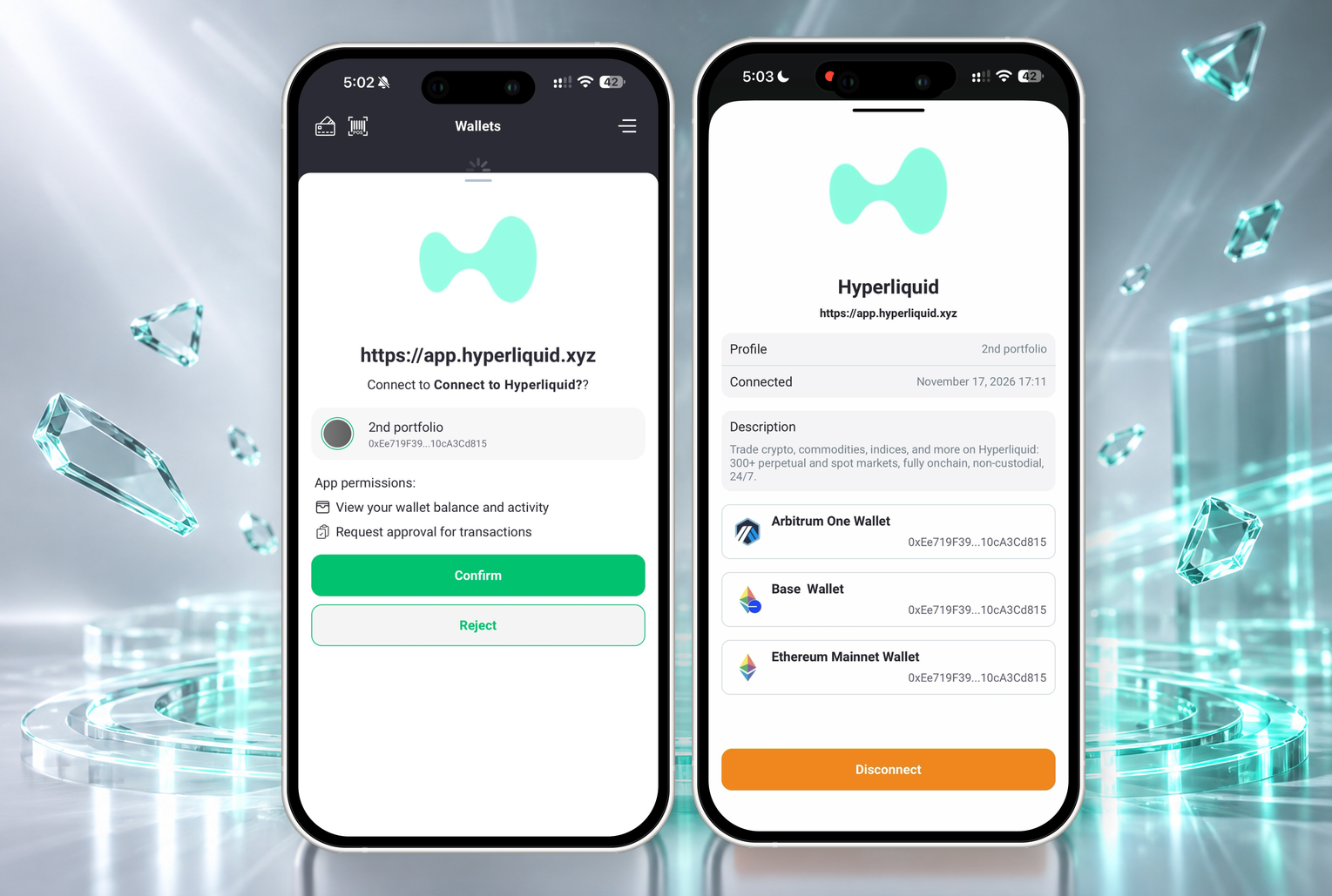
WalletConnect sessions link your wallet to dApps on other devices and websites, and they can stay open long after you finish. An open session cannot move your tokens by itself, but it lets the site keep sending you requests to sign, so a site that gets compromised later can still reach you. In NOW Wallet, open WalletConnect → Active Sessions to see every active connection, then disconnect the ones you no longer use.
An old permission is dangerous because it keeps working after you stop thinking about it. Attackers prefer it to asking you for a new signature, since you have already given it.
Most approvals never expire and are often unlimited. An approval you gave for one swap two years ago can still cover your whole balance today.
A contract you trusted can change. It can be hacked or abandoned. When Pennysia was exploited, pausing the protocol did not cancel approvals: users stayed exposed until they revoked them manually, Phemex News reported.
Phishing sites ask for approvals and signatures, not seed phrases. A fake airdrop page only needs you to click "approve" once.
A hardware wallet does not protect permissions. It keeps your keys offline, but if you sign an approval, the contract can use it. Our guide to crypto wallet security best practices covers this in more detail.
How Wallet Drainers Use Old Approvals and Signatures
A crypto drainer, or wallet drainer, is a malicious script built into a phishing site. It does not need your seed phrase: it asks you for a permission and then uses that permission to move your assets. The site usually poses as an airdrop claim or a copy of a well-known dApp.
Once you connect, the drainer reads your balances and requests access to the most valuable assets first. Depending on the asset, the request can be a token approval, an "approve all" permission for an NFT collection or an off-chain permit signature. Signatures are especially convenient for attackers: signing one costs you no fee, and the wallet prompt can look like a harmless login message.
The theft does not always happen right away. A drainer can collect permissions and use them hours or weeks later, for example when a larger balance arrives in the wallet. An unused permit stays valid until its deadline, and a regular approval stays valid indefinitely, so one careless click can cost you tokens you did not even hold at the time.
That is why revoking matters even if nothing has been stolen yet. If you think you interacted with a drainer, check approvals and signatures on every network the site could reach, and treat the wallet as exposed until you have cleaned it up.
How Safe Modules Execute Transactions Without Owner Signatures
A Safe normally needs a set number of owners to sign every transaction. Modules are an exception by design: once enabled, a module can execute transactions from the Safe under its own rules, without collecting owner signatures. Owners need the usual threshold of signatures to enable or disable a module, but after that, the module acts on its own. The Safe documentation calls modules security-critical and warns that a malicious module can fully compromise a Safe.
Role modules such as Zodiac Roles use this power in a controlled way. Owners give an address a role, and a policy defines which contracts and functions that address can call and with what limits. This lets a bot or a team member handle routine operations without gathering signatures each time. The weak points are the role member's key and the policy itself: whoever controls the key can do anything the policy allows.
That is what happened in the November case. In a statement quoted by Altcoinbuzz, Zodiac said that "a role member key, probably compromised, sent a transaction that a custom policy allowed but likely never intended." Safe stressed that no owner signed the transaction. The multisig was not broken: the permission the owners had granted was used against them.
How to Audit Safe and Other Multisig Wallet Permissions
A multisig is only as strict as its weakest permission. Review these settings in your Safe at least as often as you review token approvals:
Owners and threshold. Check that every owner address is still in use and controlled by the right person, and that the threshold still fits the amount you hold.
Enabled modules and guards. Every module can act without owner signatures, so keep only the ones you actively use and understand. Disabling a module needs the usual owner signatures.
Role policies. If you use a role module such as Zodiac Roles, check which addresses hold roles, which contracts and functions they can call, and with what limits. Keep policies as narrow as possible and rotate keys used by bots or role members.
Delegates (proposers). According to the Safe Help Center, delegates can only propose transactions: owners must sign before anything is executed. They cannot move funds, but the list should still be current.
Transaction simulation. Simulate every transaction before signing, especially ones that enable a module or change owners.
How to Check and Clear EIP-7702 Delegations
Since the Pectra upgrade went live on Ethereum on 7 May 2025, as the Ethereum Foundation announced, a regular wallet can delegate its behaviour to a smart contract through EIP-7702. Wallets use this for features such as batching several actions into one transaction. A malicious delegation, however, gives a contract control over the whole account, including funds that arrive later.
To check whether your address has a delegation, open it in an approval checker: Revoke.cash shows delegations in a separate tab of the account page. To clear a delegation, use your wallet app, since most wallets do not let outside dApps set or remove delegations. Technically, clearing means delegating to the zero address, after which the account works as a regular wallet again, as the Alchemy documentation describes.
When Should You Revoke Permissions Right Away?
Some situations call for a check today, not at the next routine review:
a protocol you used announces a hack or a pause;
you signed something you did not fully understand;
you opened a link from a message or an airdrop claim site;
you stopped using a dApp;
you are about to stop using a wallet.
Beyond that, a monthly check of your active wallets on each network you use takes about ten minutes.
How to Avoid Risky Permissions in the First Place
The best permission to revoke is one you never gave. A few habits reduce the number of approvals you need to clean up later:
Set a spending cap. When a wallet lets you edit the amount, approve only what the transaction needs instead of an unlimited amount.
Read every prompt. Check approval and signature requests, and use transaction previews or simulation when your wallet offers them.
Keep separate wallets. Use one wallet with a small balance for new dApps and keep savings in another that never connects to them.
Do not blind-sign. On a hardware wallet, do not approve a transaction you cannot read on the device screen.
What to Do If an Approval Was Already Used to Drain Your Wallet
Revoking does not bring back funds that are already gone, but it stops further losses. Act in this order:
Revoke the approval that was used and any other approvals you do not need, on every network.
Work out whether your key is exposed. If the funds left through an approval, revoking closes that route. If they left through transfers you never signed, the attacker probably has your seed phrase or private key, and revoking will not stop them.
Move what is left to a new wallet created on a clean device. If the old device may be infected, a new seed phrase generated on it can leak as well.
Be careful when sending coins for fees. If the attacker controls the key, automated scripts can take the native coin you send to the old wallet within seconds. Send only what a single transaction needs, right before you use it, and do not top up the wallet in advance.
Report the theft. Report the scam addresses on Chainabuse, a multi-chain scam reporting tool launched by TRM Labs, and tell the platform involved and the police. In the US, you can also file a complaint with the FBI's Internet Crime Complaint Center (IC3).
Ignore anyone who offers to recover the funds for a fee. Recovery scams target victims right after a theft.