Quick answer: For everyday XMR use, NOW Wallet is one of the easiest options. Guarda Wallet is better for users managing Monero alongside a broader crypto portfolio. Monerujo is a strong Android pick, while Cake Wallet works especially well on iOS. On desktop, Monero GUI offers maximum control, Feather suits advanced users, and Stack Wallet provides a simpler multi-asset experience. For long-term cold storage, choose Trezor or Ledger.
Choosing the best Monero wallet in 2026 depends on how you plan to use XMR. Mobile wallets prioritize convenience, desktop apps offer more control, and hardware wallets provide stronger protection for long-term storage. Because Monero is built around private transactions, the right option should also support its privacy features without compromising control of your keys.
What is a Monero wallet?
A Monero wallet lets you store, send, and receive XMR while managing the keys that control your funds. Unlike transparent blockchains, Monero uses privacy technologies such as stealth addresses, ring signatures, and confidential transactions. The main differences between XMR wallets are how they balance privacy, security, convenience, node control, and platform support.
Unlike Bitcoin or Ethereum, Monero is designed to conceal transaction details. That makes wallet choice particularly important for users who care about privacy.
Mobile, desktop, web, and hardware wallets all serve the same basic purpose, but they differ in how they store keys and connect to the network. In our previous article, we explained in more detail how Monero works.
The best option depends on your priorities. NOW Wallet and Guarda focus on convenience and multi-asset management. Monerujo and Cake Wallet are strong mobile choices. Monero GUI, Stack Wallet, and Feather give desktop users more control, while Trezor and Ledger are better suited to long-term cold storage.
Wallet Name
Platform
Type
Best For
NOW Wallet
Monero Wallets FAQ
For beginners, a safe option should combine simple setup with direct control of funds. NOW Wallet is easier to use because it does not require running a node or configuring advanced settings. Users who want more control and are comfortable with a steeper learning curve can consider the official Monero GUI.
Yes. Monero can be used with compatible Trezor and Ledger devices through software such as Monero GUI or CLI. Hardware wallets keep private keys isolated from the connected computer, which makes them well suited to long-term storage. Users should still verify device compatibility and follow the official setup instructions.
No. Trust Wallet does not support native Monero. Users who need XMR support should choose a wallet built for Monero or a multi-asset product that explicitly supports the network, such as NOW Wallet, Guarda, CoinRabbit, Cake Wallet, or compatible desktop and hardware-wallet setups.
Your XMR address is created when you set up a Monero wallet. In most apps, it appears in the Receive section and can be copied or shared as a QR code. The address is used to receive XMR from another person, an exchange, a swap service, or mining payouts.
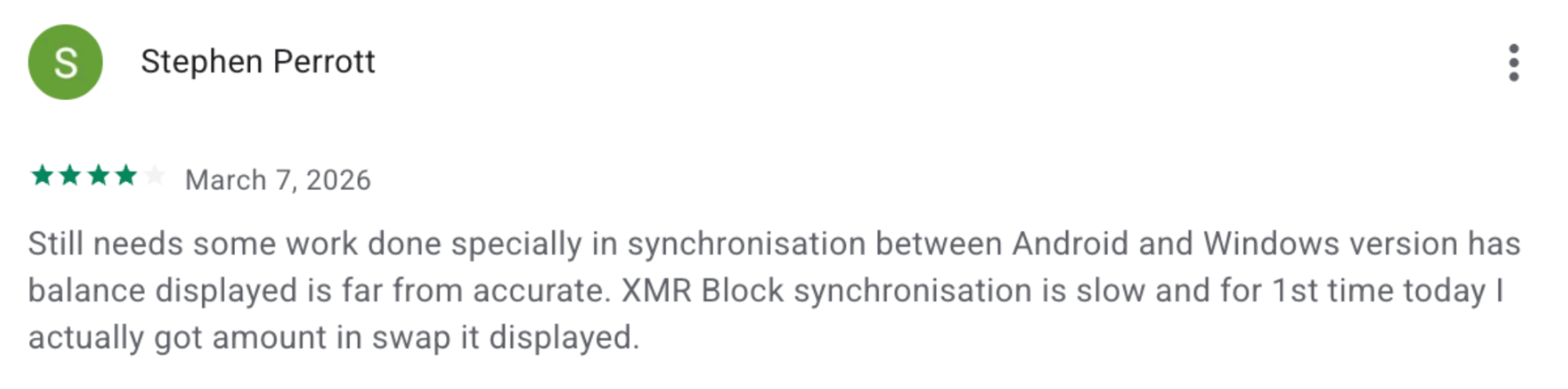
A Monero wallet must scan blockchain data to identify transactions linked to your keys. Full-node wallets may need to download or process much more data, while light wallets connect to remote nodes and usually sync faster. If synchronization stalls, updating the app, changing nodes, or restarting the sync may help.
Yes. Mining payouts can usually be sent to a standard XMR address generated by your wallet. The important part is that the pool or mining software accepts the address format you provide. Hardware and full-node wallets can also store mining rewards, especially when the funds are intended for long-term storage.
Focus on four things: control of private keys, privacy features, platform support, and storage model. A non-custodial wallet gives you direct control of your funds. Mobile and light wallets are convenient for regular transactions, while desktop and hardware options can provide more node control or stronger offline protection.
Look for clear backup and recovery options, active development, and support for Monero-specific features. Open-source software can also make independent review easier.
For larger long-term holdings, hardware storage is usually more appropriate than keeping keys on an internet-connected device. For frequent payments, a mobile or light desktop wallet may be more practical.
NOW Wallet: best for everyday XMR management
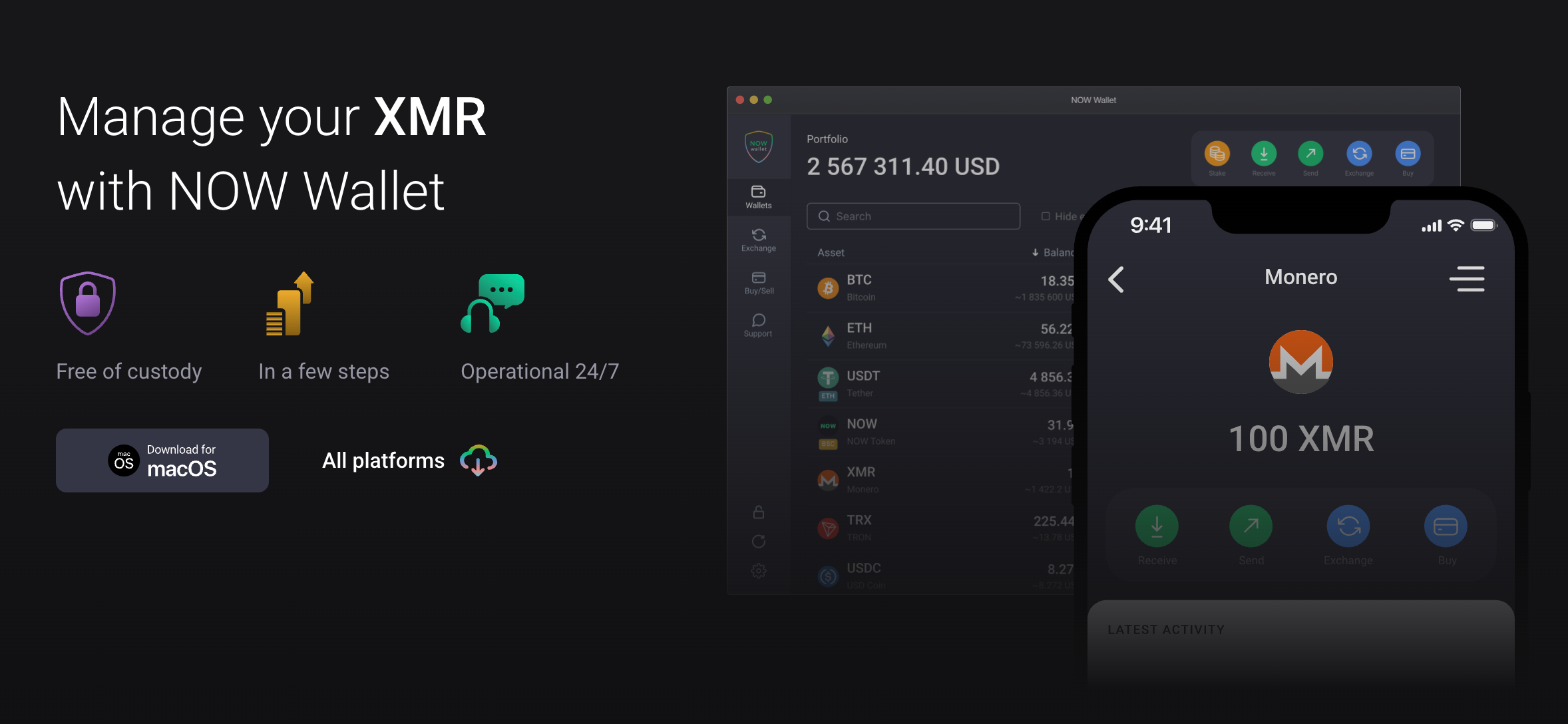
NOW Wallet is a non-custodial option for users who want to manage XMR without running a full node. It works on mobile and desktop, requires no account registration to create a wallet, and combines Monero support with access to a broader multi-asset ecosystem. It is especially suitable for beginners and everyday use.
NOW Wallet lets users send and receive Monero, manage multiple accounts and addresses, and access built-in asset management for 1,200+ network coins. The interface keeps routine actions simple, which is useful for users who do not want to configure a full-node desktop setup.
NOW Wallet reviews
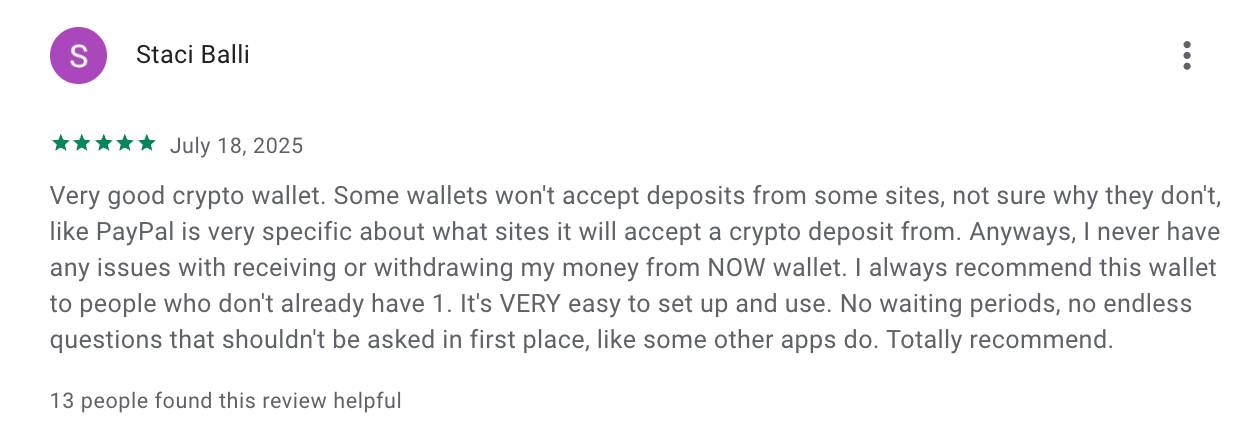
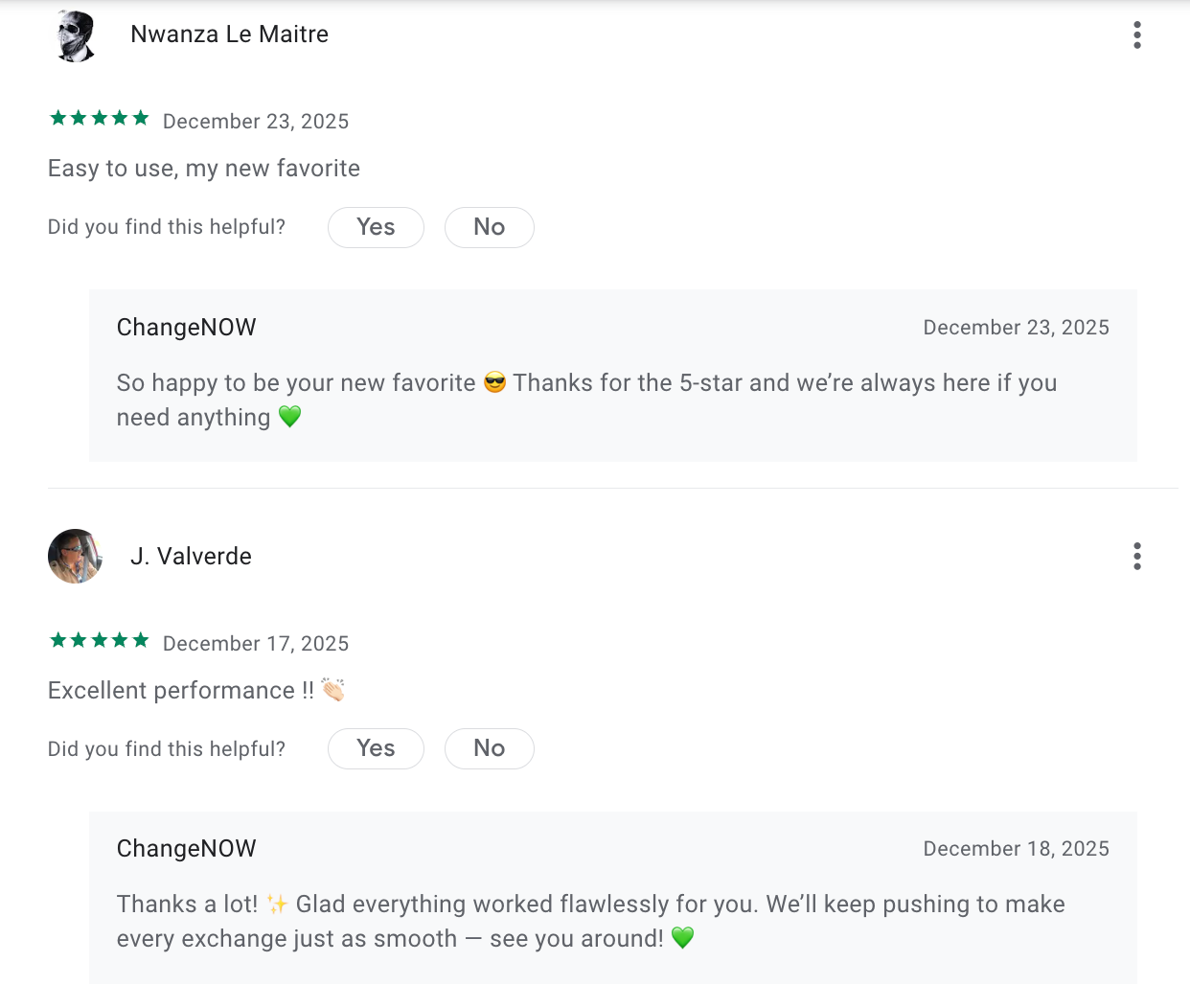
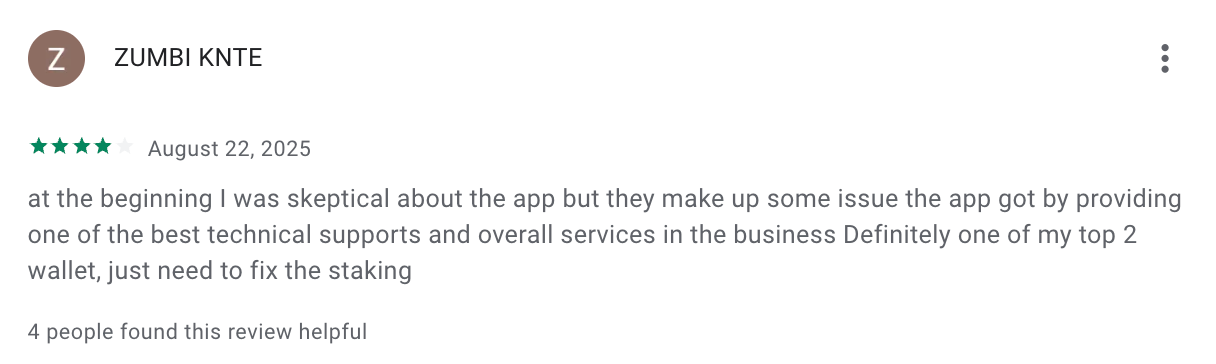
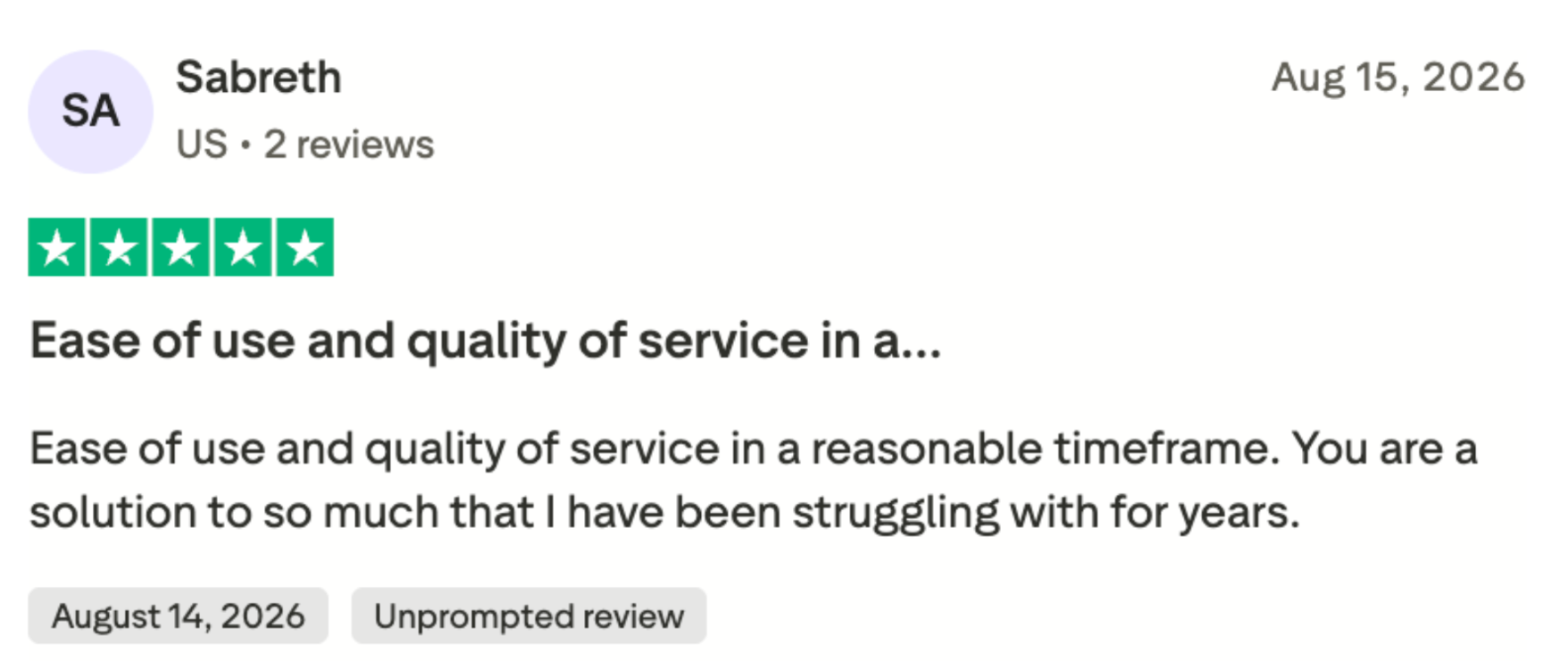
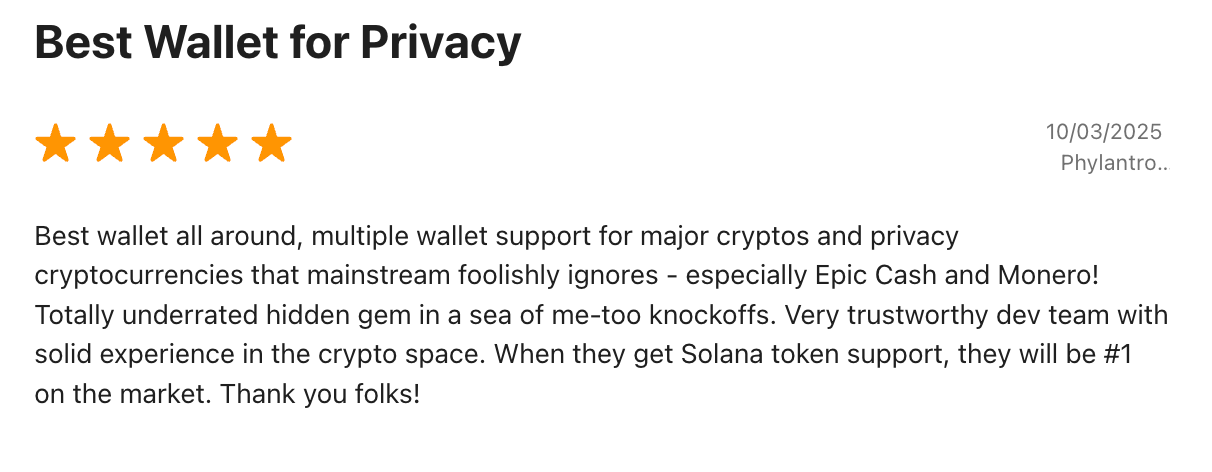
User feedback generally highlights the wallet's simple interface, smooth everyday use, and responsive support. The main trade-offs are that NOW Wallet is not open source and, like other light wallets, users may occasionally encounter synchronization delays. Overall, reviews tend to be positive for convenience and usability.
Guarda Wallet: best for cross-platform multi-asset use
Guarda Wallet is a non-custodial, cross-platform option for users who manage Monero alongside other cryptocurrencies. It is available on web, Windows, macOS, Linux, iOS, Android, and browser extensions. Its main advantage is combining XMR management, subaddresses, built-in buy and swap options, and hardware-wallet integration in one interface.
Guarda supports sending and receiving XMR and creating multiple Monero subaddresses, which can help separate incoming payments for different purposes.
Guarda Wallet reviews
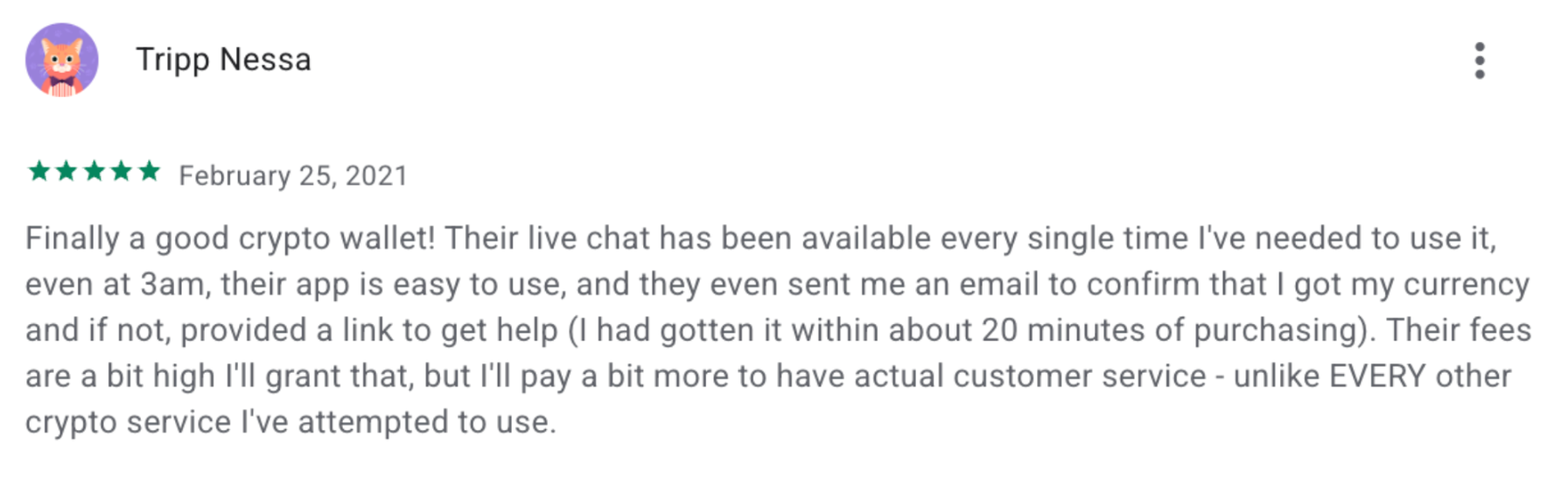
Recent feedback commonly mentions responsive customer support, multi-currency functionality, and an interface that remains approachable despite the number of supported features. User experience can still vary by asset, network, and third-party service, and some users report synchronization issues. Guarda is strongest for people who value broad portfolio management over a Monero-only experience.
Trustpilot rating: 4.3
Google Play rating: 4.9
App Store rating: 4.0
Best Monero wallet with built-in crypto loans
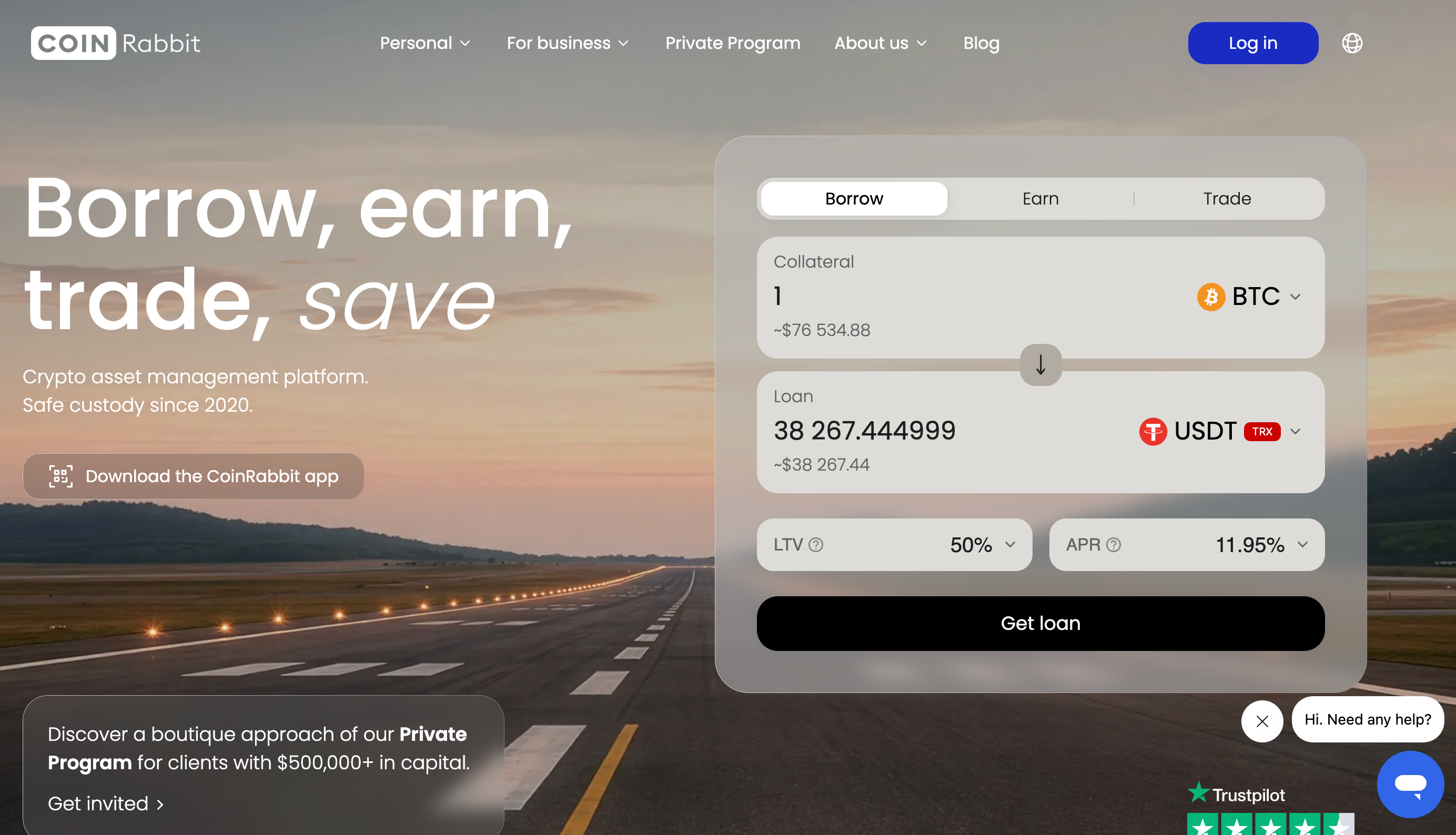
Most XMR wallets stop at storing and sending. CoinRabbit takes a different route. The wallet sits inside an ecosystem where the same XMR you hold can also back a loan, get swapped, or earn yield. It calls itself a crypto asset management platform and has been running since 2020.
Worth saying upfront: this one is custodial. You are not holding the keys, and for a lot of Monero users that alone is a dealbreaker. But it also removes the most common way people lose XMR. Lose your device or your credentials and you restore access through support with 2FA. No seed phrase to misplace.
Storage is the part they lean on. XMR goes into secure custody on top-tier cold wallets, backed by 100% reserves.
There is a strict no-rehypothecation policy, so client assets are never lent out to earn the platform yield. Account access is layered: two-factor authentication, biometric login, passkey protection, and address whitelisting that only lets funds leave to addresses you approved in advance. Transfers between CoinRabbit accounts stay inside the platform and never touch the public chain.
CoinRabbit lets you:
Set up an XMR wallet in a minute with an email or phone, no verification
Top up with zero fees, funds arrive within minutes
Hold 300+ other assets alongside Monero and swap across 270+ pairs
Borrow against your crypto at an LTV between 50% and 90%, with an APR from 11.95% fixed for the term
Get funded in 10 minutes, with no approval stage and no credit check
That last part is why CoinRabbit is on this list. Say you are sitting on XMR you have no plans to sell, but you need cash. This is a short path from holding to liquidity without giving up the position. Clients with $500,000 and above move into the Private Program, which adds a personal manager and personalized loan terms.
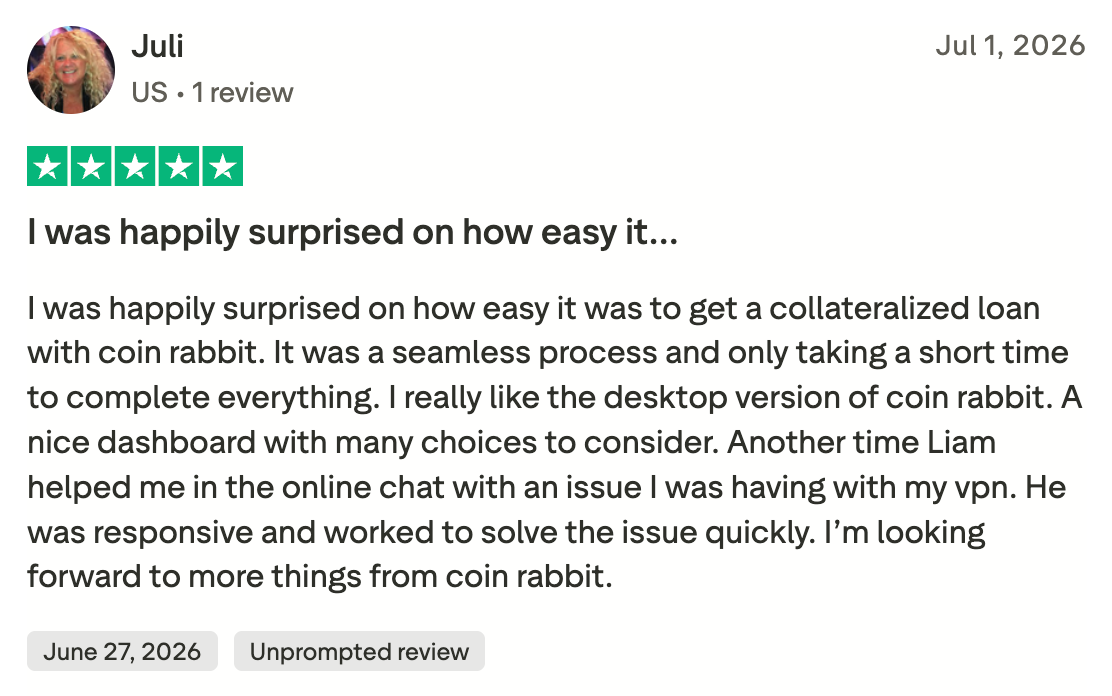
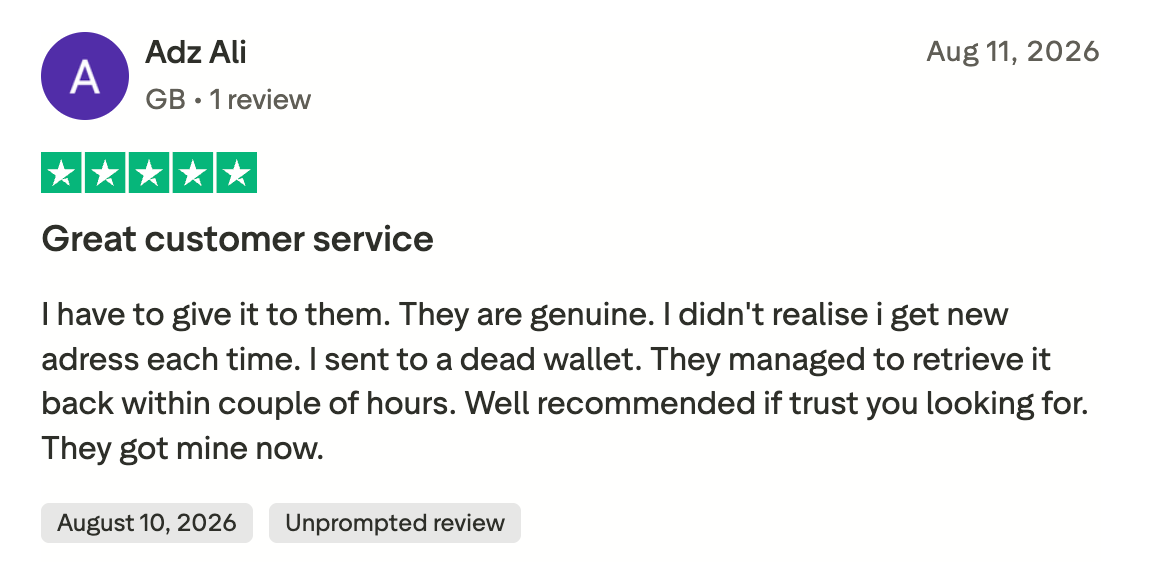
CoinRabbit reviews
Trustpilot: 4.6
Customers express overwhelmingly positive sentiment, consistently praising the platform's user-friendly interface and highly responsive, effective customer support.
Overall, this is not a wallet for running your own node and holding your own keys. It is for anyone who wants managed custody for their XMR, tight account controls, and the option to borrow against that balance without moving it anywhere.
Best Monero wallet for Android: Monerujo
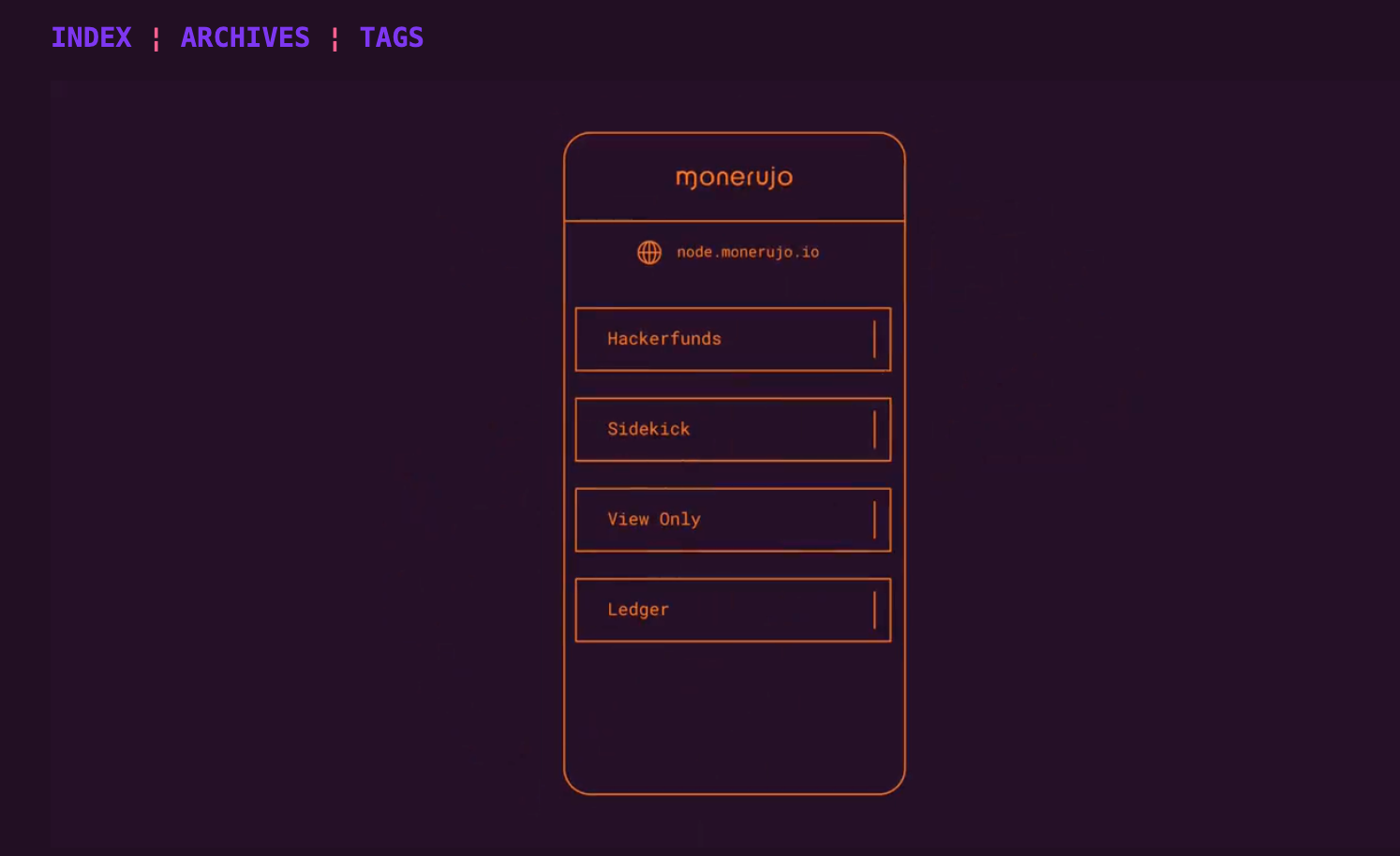
Monerujo is one of the strongest Android wallets for privacy-focused XMR users. It is open source, keeps keys on the device, and offers advanced features such as custom node selection, Street Mode, CrAzYpass, and hardware-wallet support. Its interface is less polished than some competitors, but it provides unusually deep control for mobile users.
Monerujo allows users to connect to community nodes, add custom nodes, or use NodeScan to find public nodes. Features such as OpenAlias, QR scanning, PocketChange, and Ledger support make it practical for regular use.
It also integrates swaps via Exolix. In these cases, transaction-related information may be shared with the swap provider as described in Monerujo's privacy policy [8].
Monerujo Wallet reviews
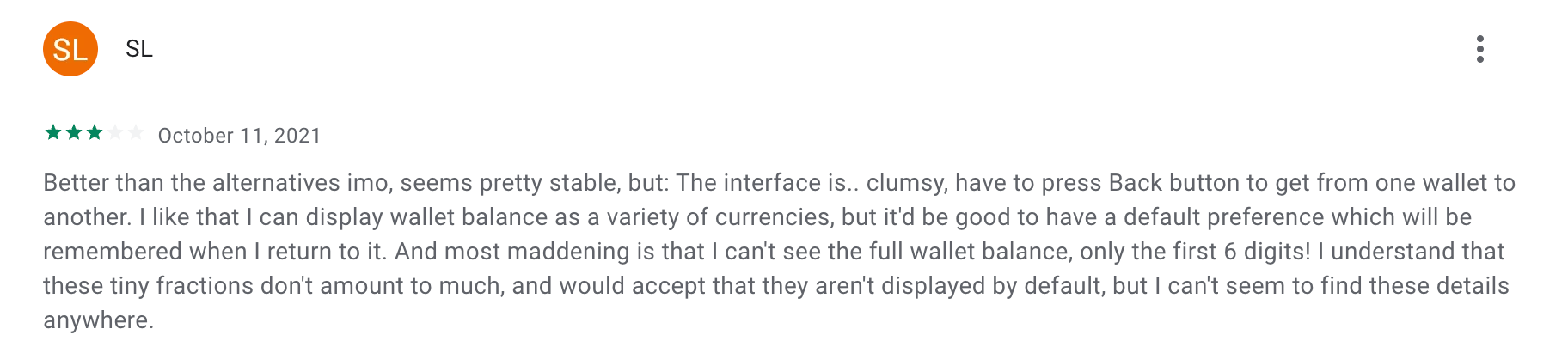
Community feedback is mostly positive about Monerujo's privacy controls and node flexibility. The most common criticism is its interface, which some users describe as clumsy, along with concerns about infrequent updates. That makes Monerujo better suited to users who prioritize control and transparency over a highly polished mobile experience.
PlayStore score: 3.9/5
Reddit opinion: mostly positive
Main drawback: interface and update frequency
Best Monero wallet for iOS: Cake Wallet
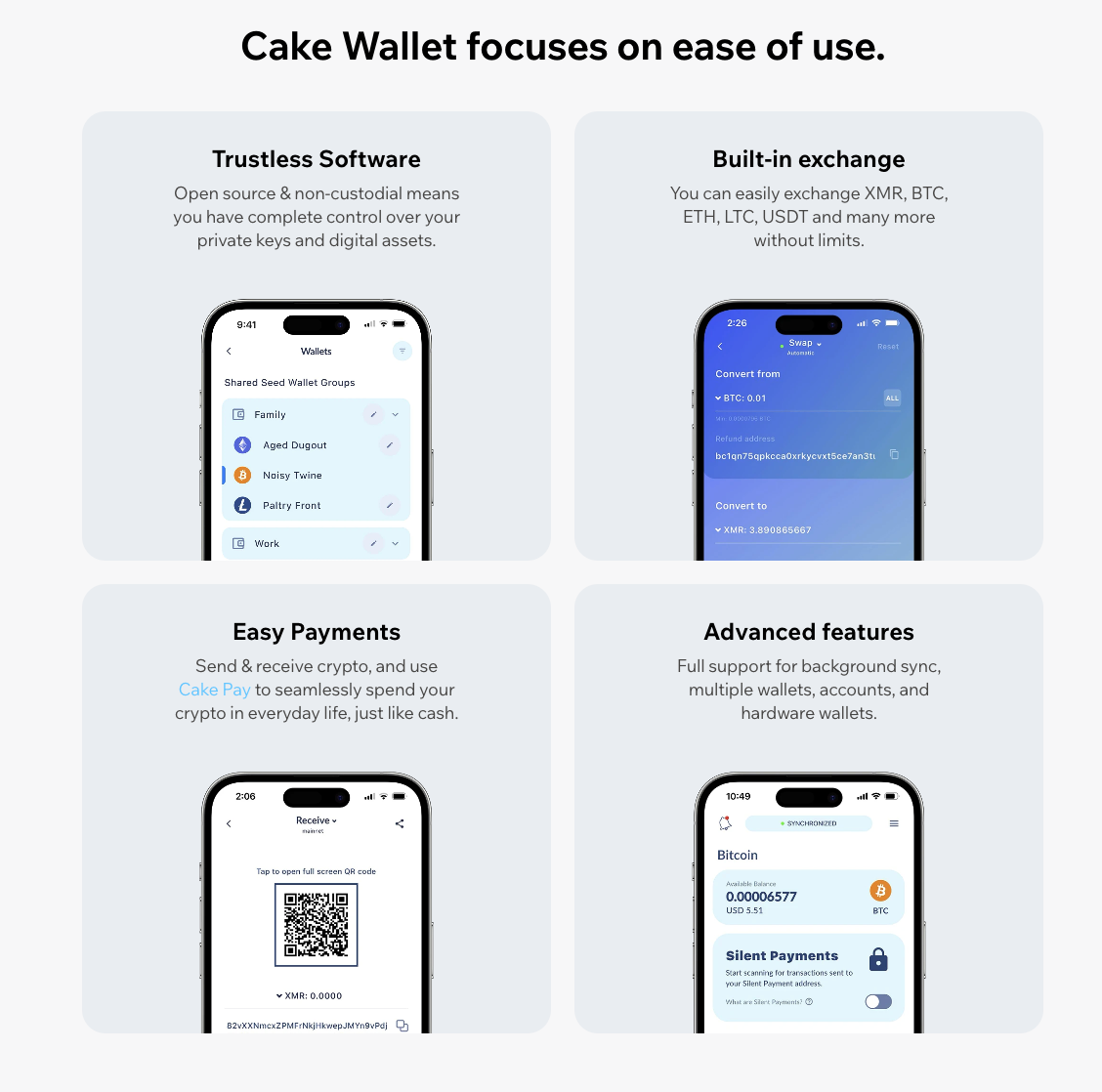
Cake Wallet is one of the strongest mobile choices for iOS users who want a non-custodial and open-source XMR wallet. Private keys stay on the device, while PIN and biometric protection secure local access. Its biggest advantage is usability: sending, receiving, and swapping Monero is straightforward even for less technical users.
Cake Wallet supports OpenAlias, QR scanning, in-app swaps, and local key storage. It offers fewer advanced node controls than some Android-focused tools, but the overall experience is more polished.
Swap providers may receive transaction details and IP-related information according to their own privacy policies [3].
We also have a guide on swapping Monero in Cake Wallet via ChangeNOW.
Cake Wallet reviews
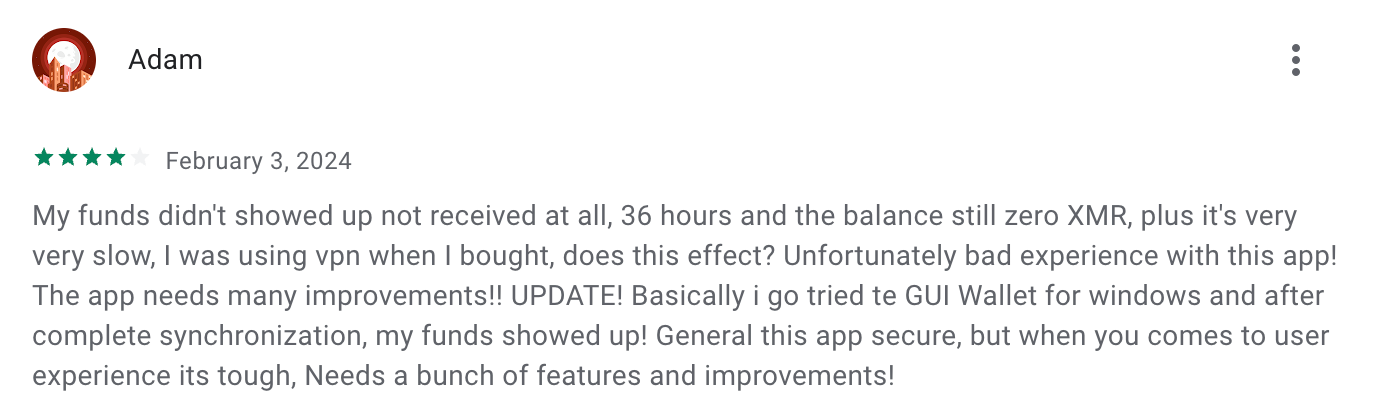
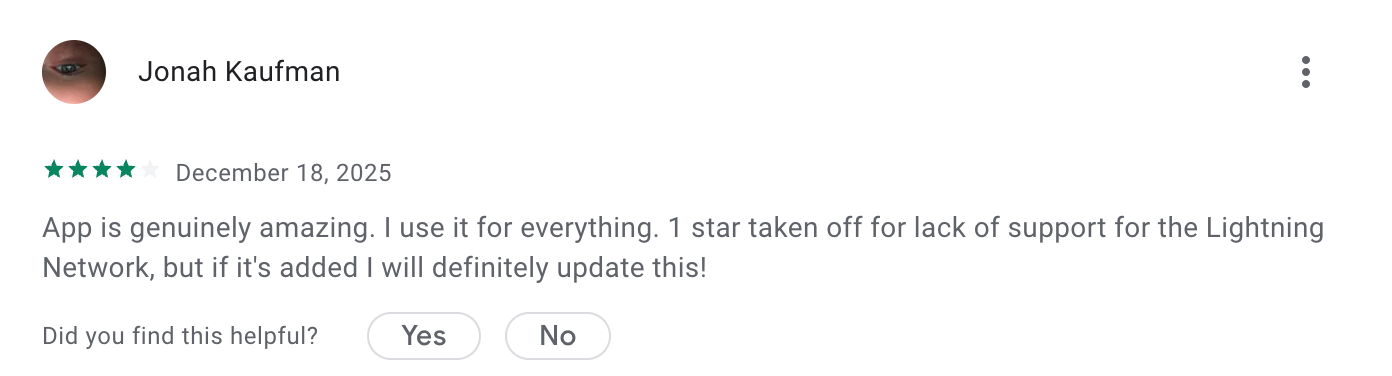
Cake Wallet reviews are largely positive, especially around interface quality and ease of use. Its main drawbacks are occasional bugs and less advanced customization than some privacy-focused desktop or Android options. For most iPhone users, however, it remains one of the easiest ways to manage XMR from a mobile device.
App Store rating: 4.7/5
Play Store rating: 4.7/5
Best Monero wallet for Windows: Monero GUI
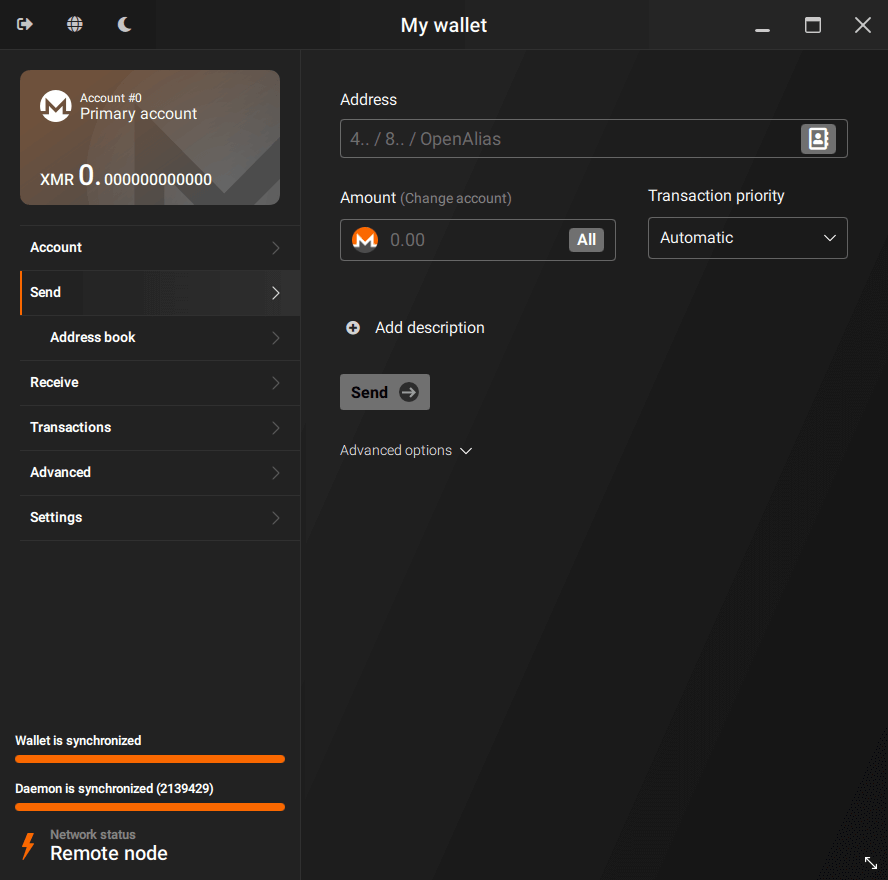
The official Monero GUI is the strongest all-round Windows option for users who want direct control over XMR. It is open source and supports both simple remote-node use and advanced local-node configurations. Beginners can start with Simple mode, while experienced users can manage synchronization, nodes, privacy settings, and hardware-wallet connections.
Monero GUI supports Ledger and Trezor, blockchain pruning, fiat price conversion, and more than 30 languages. Its main advantage is flexibility: users can start with a simpler setup and move to more advanced configurations later.
Best Monero wallet for Mac: Stack Wallet
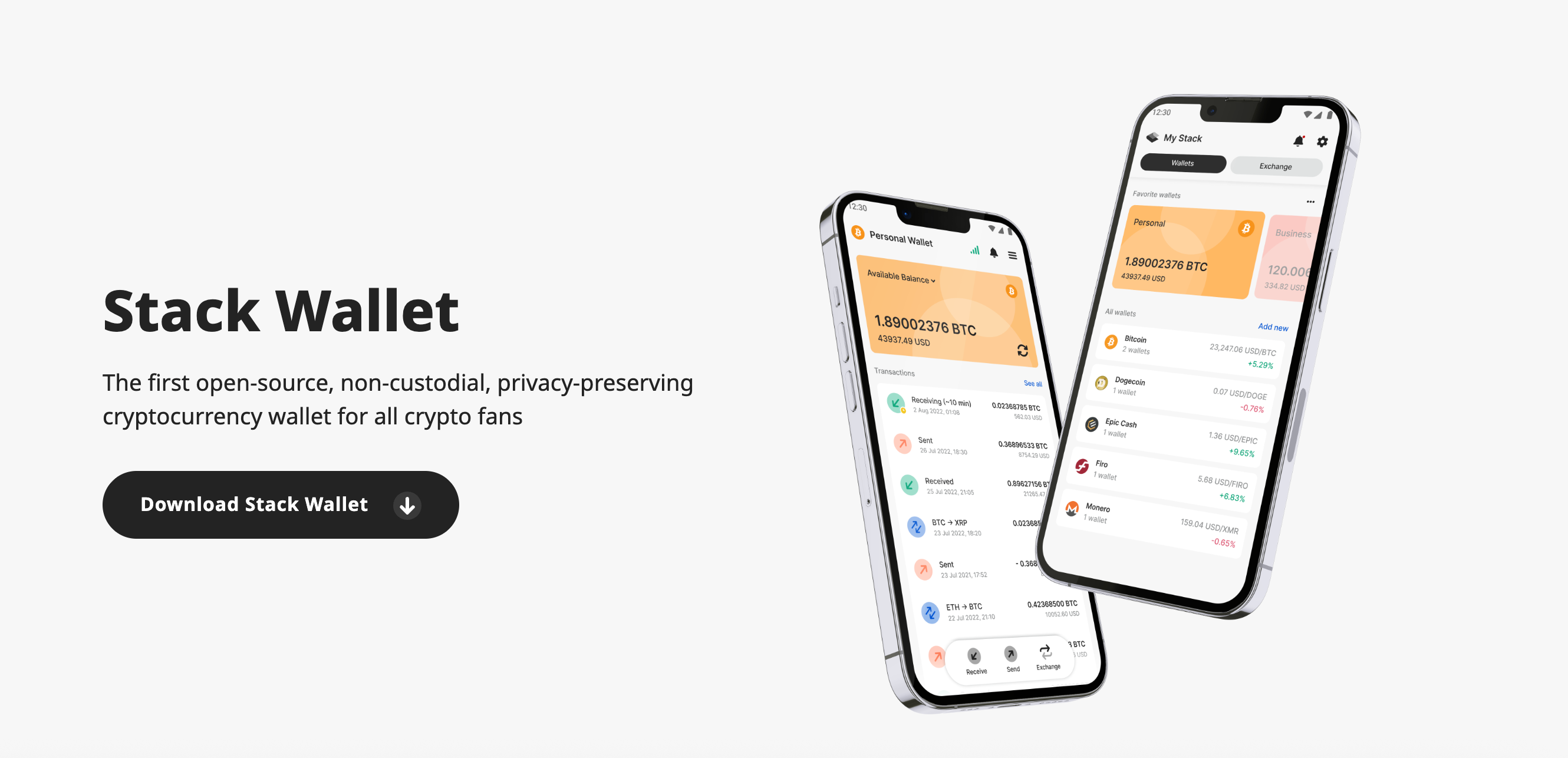
Stack Wallet is a strong macOS alternative for users who prefer a modern, multi-asset desktop experience. It is open source and non-custodial, with private keys stored on the user's device. Compared with Monero GUI, Stack emphasizes a simpler interface and broader asset support rather than maximum node-level control.
App Store rating: 4.3/5
Community feedback is generally positive, with users highlighting its clean interface, security features, and multi-wallet support.
Best hardware wallets for Monero
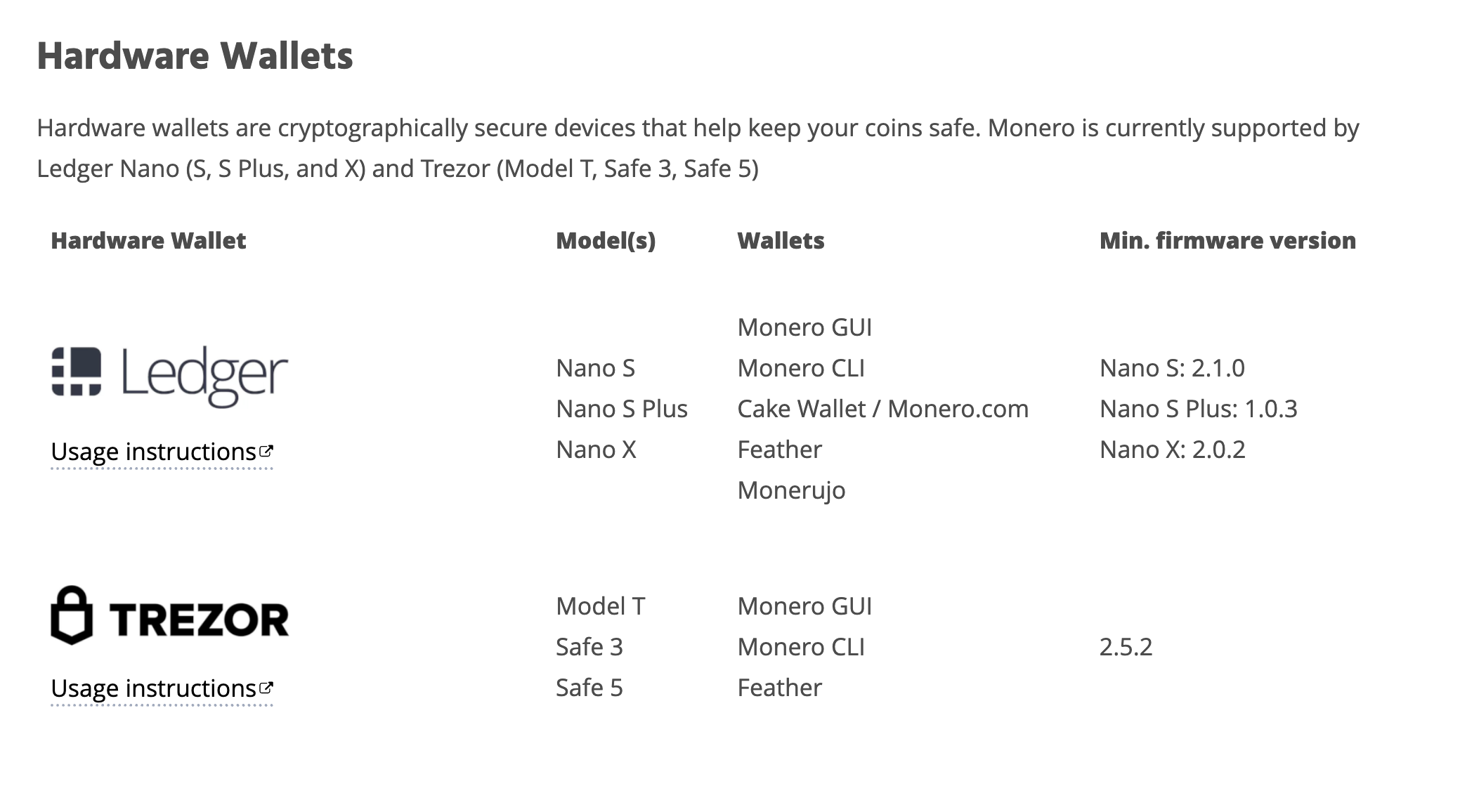
Hardware wallets are best suited to long-term XMR storage because private keys remain isolated from an internet-connected computer or phone. Trezor and Ledger are the main hardware families used with Monero through compatible software such as Monero GUI, CLI, or Feather. The better choice depends on whether you prioritize open-source transparency or broader multi-asset features.
Trezor: best for open-source hardware security
Trezor is a strong option for users who value open-source firmware and transparent hardware security. Model T, Safe 3, and Safe 5 can be used with compatible Monero software, including Monero GUI, CLI, and Feather. Keys stay on the hardware device, while transactions are signed without exposing those keys to the connected computer.
Model
Screen
Bluetooth
Monero Support
Best For
Trezor Model T
Color touchscreen
❌ No
GUI / CLI / Feather
Touchscreen and open-source security
Trezor Safe 3
Small OLED
❌ No
GUI / CLI / Feather
Simple cold storage
Trezor Safe 5
Color touchscreen
❌ No
GUI / CLI / Feather
Advanced hardware features
Ledger: best for multi-asset cold storage
Ledger Nano X and Nano S Plus are suitable for users who want hardware-backed XMR storage alongside many other assets. Monero can be managed through compatible software such as Monero GUI or Feather while the private keys remain on the Ledger device. Nano X adds Bluetooth, while Nano S Plus is a simpler lower-cost option.
We compared these wallets based on key ownership, privacy and security features, platform support, ease of use, hardware compatibility, and community feedback. We also checked official Monero resources where relevant to confirm XMR support and considered real-world user feedback to identify usability problems that are not always obvious from product specifications.
The comparison also considers setup complexity, backup options, node controls, integrated swaps, and whether the product is designed mainly for Monero or for broader multi-asset use.
Which Monero wallet should you choose?
There is no single best option for every XMR user. NOW Wallet and Guarda are convenient for everyday and multi-asset use. CoinRabbit offers custodial options for users interested in crypto loans and yield. Monerujo and Cake Wallet are stronger mobile-focused choices. Monero GUI provides more desktop control, while Trezor and Ledger are better suited to long-term cold storage.
Choose based on how often you transact, how much control you want over nodes and private keys, and whether convenience or offline security matters more.
Dogwifhat (WIF): Inside the Community Behind the Meme Coin
What keeps a meme coin alive after the first viral moment? WIF contributors explain how creators, culture, participation, and a dog in a pink hat built a brand without a traditional crypto company.
Best Wallet for Monero (XMR): Top Monero Wallets Compared | ChangeNOW Blog