Disclaimer: The information provided in this article is for educational and informational purposes only and should not be construed as financial or investment advice. Rankings are based on publicly available data and a fixed set of criteria at the time of writing, not a personal endorsement of any single platform. Platform fees, features, and policies are subject to change. Readers should conduct their own research and verify details on the official platforms before making any decisions.
The best crypto portfolio trackers in 2026 show your exchange accounts, wallets, and DeFi positions in one place, with their live value and your profit or loss. Below are nine trackers, grouped by what each one does best: tracking exchanges and wallets, tracking DeFi, filing taxes, and tracking total net worth. We checked each one against the same six criteria in October 2026.
Key Takeaways
NOW Tracker is a free iOS and Android app for crypto, stocks, and fiat. It keeps sensitive data on your device and works with 5 leading exchanges.
CoinStats works with 300+ wallets and exchanges. Its free plan has 10 portfolios and 20,000 transactions.
Zerion and DeBank show your DeFi positions, such as loans, staking, and liquidity pools. Neither connects to centralized exchanges.
CoinTracker makes tax forms from $59 a year. Kubera adds property and bank accounts to the same view from $250 a year.
What Is a Crypto Portfolio Tracker?
A crypto portfolio tracker is an app that pulls your balances from exchanges and wallets and shows your total value, how your money is split, and your profit or loss in one place. It reads data only and cannot send or withdraw funds.
Trackers get your data in three ways:
API key. An exchange gives you a code that lets the tracker read your account. It cannot move money.
Public address. You paste a wallet address, and the tracker reads its balance from the blockchain.
Manual entry. For anything that cannot be connected, such as a stock or a property, you type the numbers in.
How We Choose Brands
Every tracker on this list passed the same checks:
Category fit. Tracking portfolios is a core function of the product.
Connection method. Data comes in through API keys, public addresses, CSV files, account links, or manual entry.
Coverage. The exchanges, wallets, and blockchains it supports, checked on each brand's own pages.
Transparent pricing. A public price list and a clear description of the free plan.
Active maintenance. App updates and working connections in 2026.
FAQ
It depends on what you track. NOW Tracker is a free mobile start for beginners, with crypto, stocks, and fiat in one portfolio. CoinStats suits many exchanges and wallets, Zerion and DeBank suit DeFi, CoinTracker suits taxes, and Kubera suits net worth beyond crypto.
From the tracker's official website or from the App Store and Google Play. Check that the publisher name matches the official site before you install.
Install the app and create a portfolio.
Paste a wallet's public address. Never paste a seed phrase.
For an exchange, create a read-only API key with withdrawals turned off and paste it in.
Check that the balance matches, then add the rest.
Three trackers here use AI for different jobs: Delta AI gives the reasons behind your portfolio's moves, CoinStats has an AI agent and research tools, and Kubera imports files and screenshots. All three need a paid plan for full use. CoinStats also works with AI assistants through MCP, see below.
MCP (Model Context Protocol) is an open standard that connects an AI assistant such as Claude to outside tools and data. An MCP tracker lets you ask the assistant about your own holdings. CoinStats has one: after you sign in through the browser, the assistant can read your portfolio, profit and loss, and wallet balances. CoinGecko's official MCP covers market data onlyю Check what access you grant.
CoinGecko and CoinMarketCap. Both show free prices, market caps, and trading volumes for thousands of coins. A portfolio tracker adds your own holdings on top of that data.
Any tracker that follows a public address and never asks for your private key. All nine trackers here do. For DeFi positions in a wallet, use Zerion or DeBank.
No. A tracker only needs a public address or a read-only API key. An app that asks for your seed phrase to "sync" a wallet is a common sign of a scam.
No. A wallet holds the keys that move your funds. A tracker only reads balances. Some products, such as Zerion and CoinStats, offer both in one app.
Some do, such as NOW Tracker, Delta, CoinStats, and Zerion. Check that your own wallet's NFTs show up before you rely on it. NFT values usually come from the lowest price in the collection, so they can differ from what your own NFT would sell for.
Paid plans are optional for every tracker except Kubera. For CoinGecko and DeBank, the tracker itself stays free, and paid plans add extras. For CoinTracker, paid plans add tax forms. NOW Tracker is free and covers crypto, stocks, and fiat. Delta stops at 10 assets on its free plan, and Kubera has no free plan.
Best Crypto Trackers for Portfolio Management in 2026
The list is grouped by main use case: exchange and wallet trackers first, then DeFi trackers, then tax and net-worth tools. The order inside a group is not a ranking.
NOW Tracker
NOW Tracker is best for beginners who want crypto, stocks, and fiat in one free mobile portfolio.
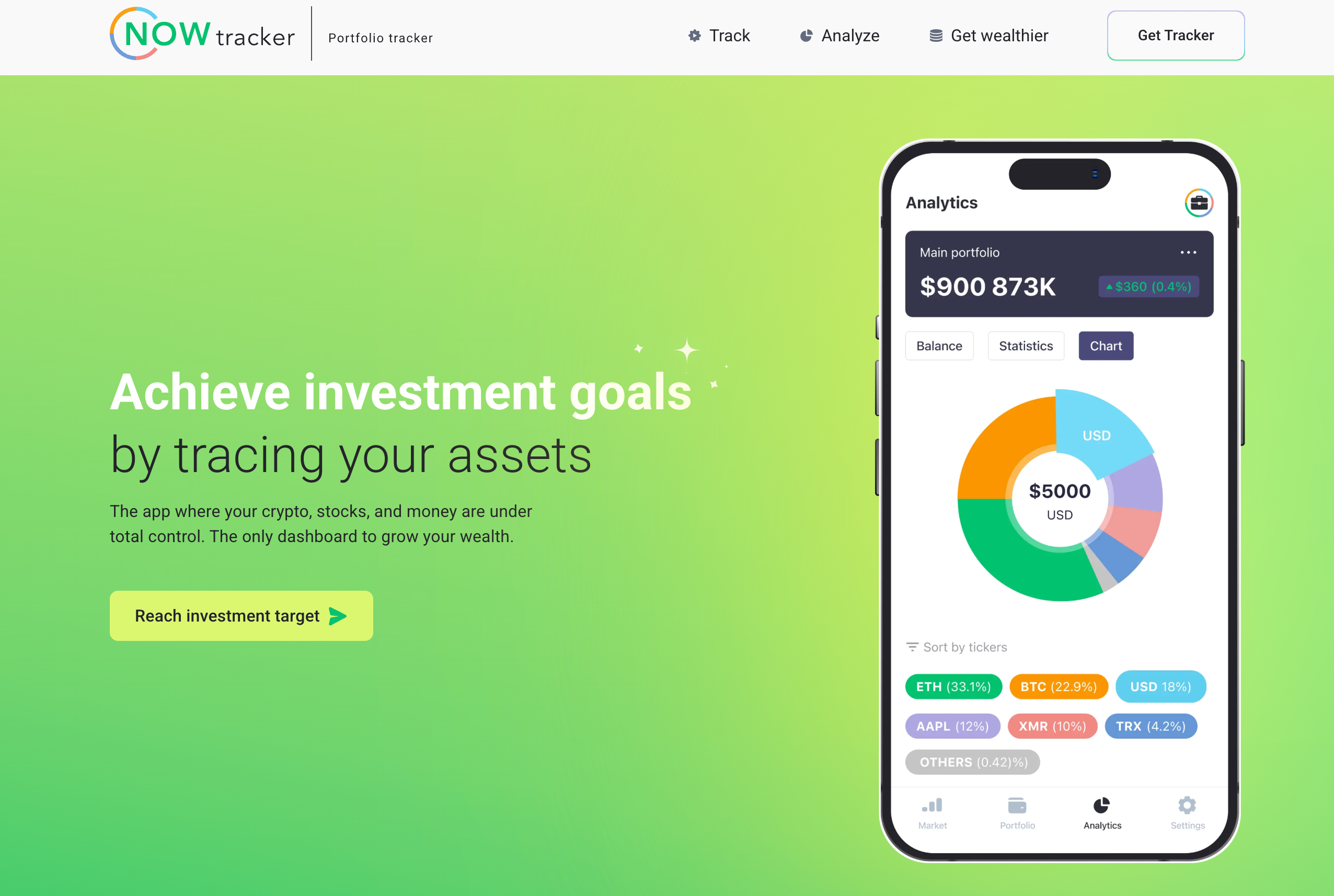
Developed by ChangeNOW, it is a free iOS and Android app that also covers NFTs. A new crypto investor usually has a bit of everything: coins on an exchange, a wallet or two, maybe some stocks and cash. NOW Tracker puts them on one screen, so there is no need for a separate app for each.
You add a wallet by its address or connect an exchange, and the balance appears. No private key or seed phrase is involved. Price history and charts of how your money is split help you learn what you own before you make bigger moves.
NOW Tracker.
Key Features
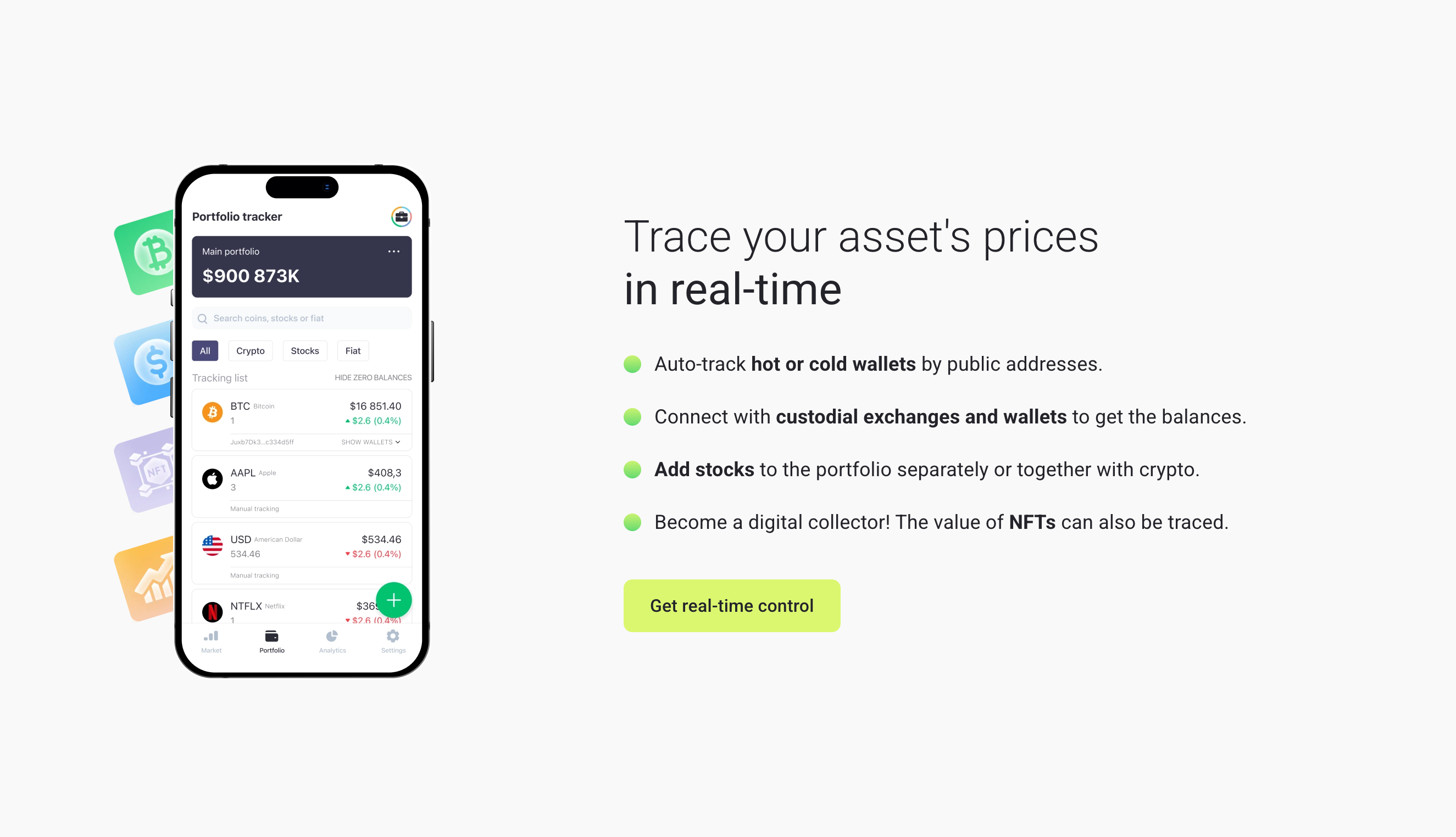
Tracks hot and cold wallets by public address
Reads balances from exchange accounts, with 5 leading exchanges supported
Covers 7,000+ cryptocurrencies, 8,000+ stocks, and 23 fiat currencies
Lets you create several portfolios and watch them separately
Shows each asset's price history, market cap, and trading volume
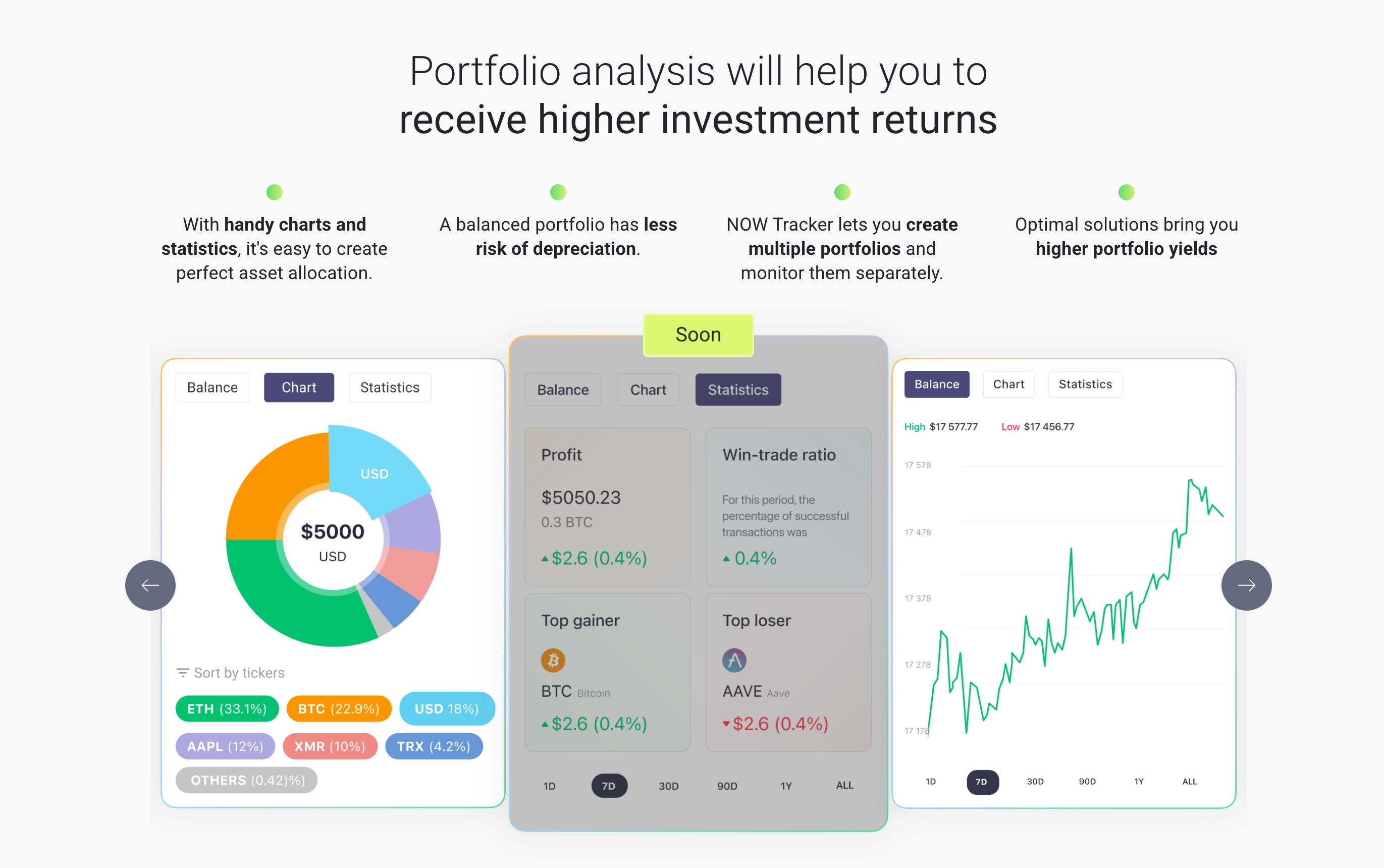
Has charts and statistics to help you balance your portfolio
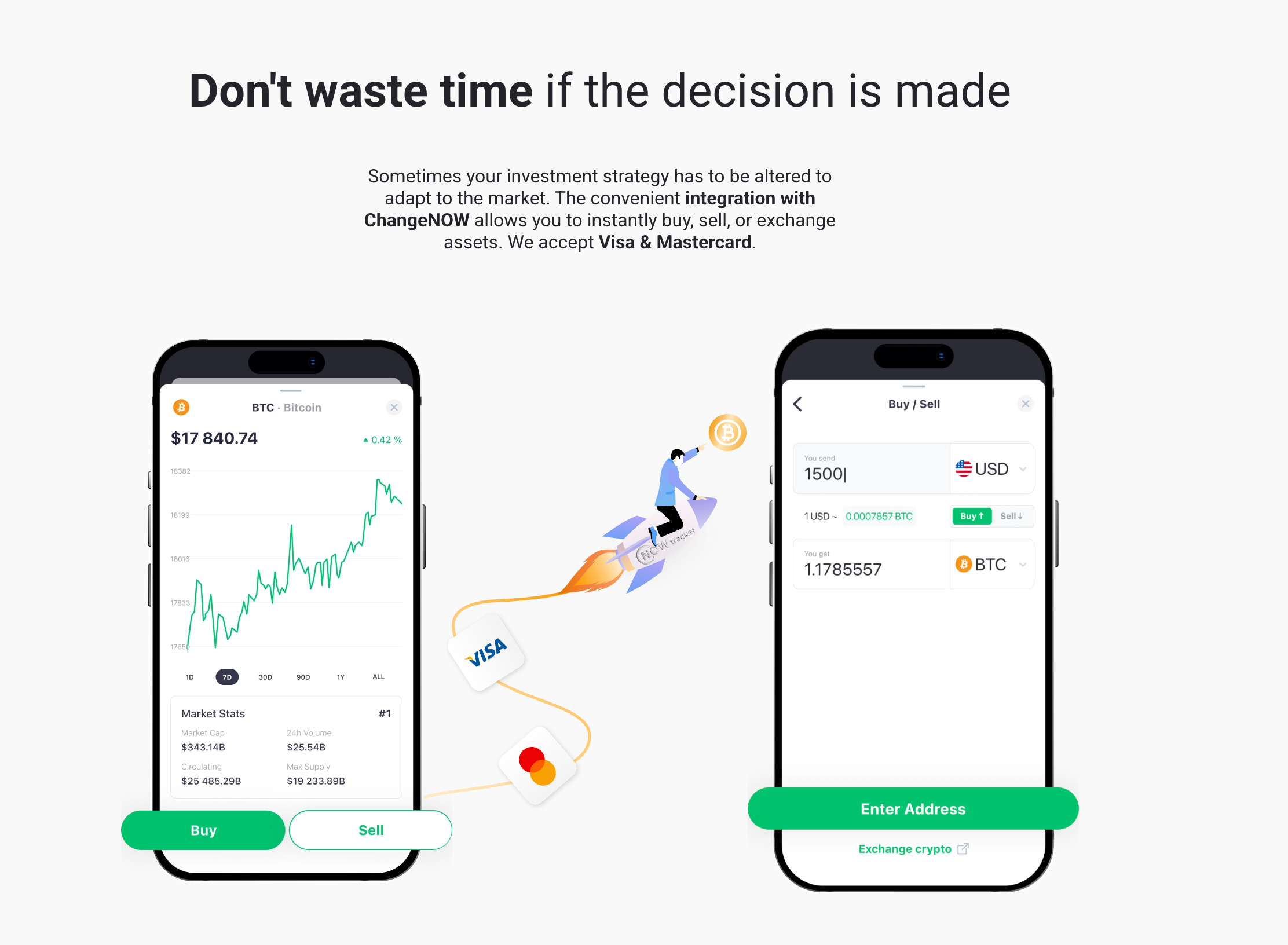
Links to ChangeNOW, where you can buy, sell, or exchange assets, with Visa and Mastercard accepted
Saves your data in an AES-encrypted backup file that you can restore any time
NOW Tracker asset’s prices in real-time.
The portfolio screen splits your holdings into crypto, stocks, and fiat tabs.
Portfolio Analysis.
Charts show which assets are worth the most, how your portfolio is spread out, and how its value has changed over time.
Pricing Model
Free to download on the App Store and Google Play
Integration with ChangeNOW.
Benefits
Crypto, stocks, and cash in one free app
No private keys or seed phrases involved, and the app cannot make transactions, so it cannot move your funds
Portfolio data is stored only on your device and is not sent to NOW Tracker servers, so you are the only one who holds it
A link to ChangeNOW is built in, so you can buy, sell, or exchange without looking for a separate service
What Users Say
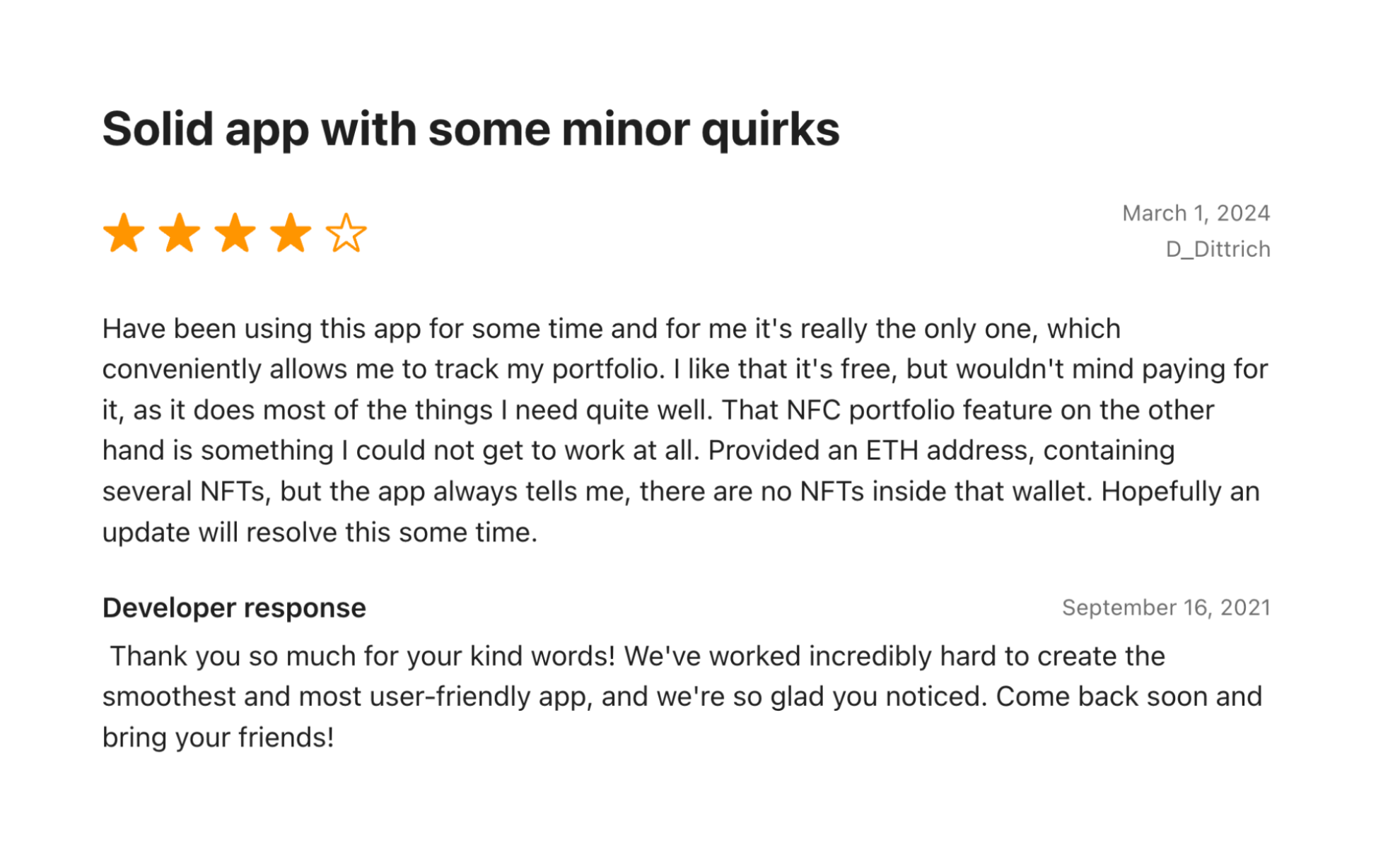
Trustpilot has only one review of NOW Tracker, so we looked at the app stores. The App Store shows 4.1 out of 5 from 31 ratings, and Google Play shows about 4.0 from around 200 reviews (App Store, Google Play). The reviews we could read date from 2021 to 2025.
A NOW Tracker review in the App Store, March 2024: 4 stars.
Users like: the simple idea, the privacy focus, and the price. One App Store reviewer (4 stars, March 2024) calls it "really the only one, which conveniently allows me to track my portfolio" and likes that it is free.
Users would like to see: The reviewer hopes that NFT detection by wallet address will improve in a future update.
Pro tip: save an encrypted backup right after you set up your portfolios. If you lose or reset your phone, you will otherwise have to add every wallet again.
CoinStats is best for people whose assets are spread across many exchanges and wallets.
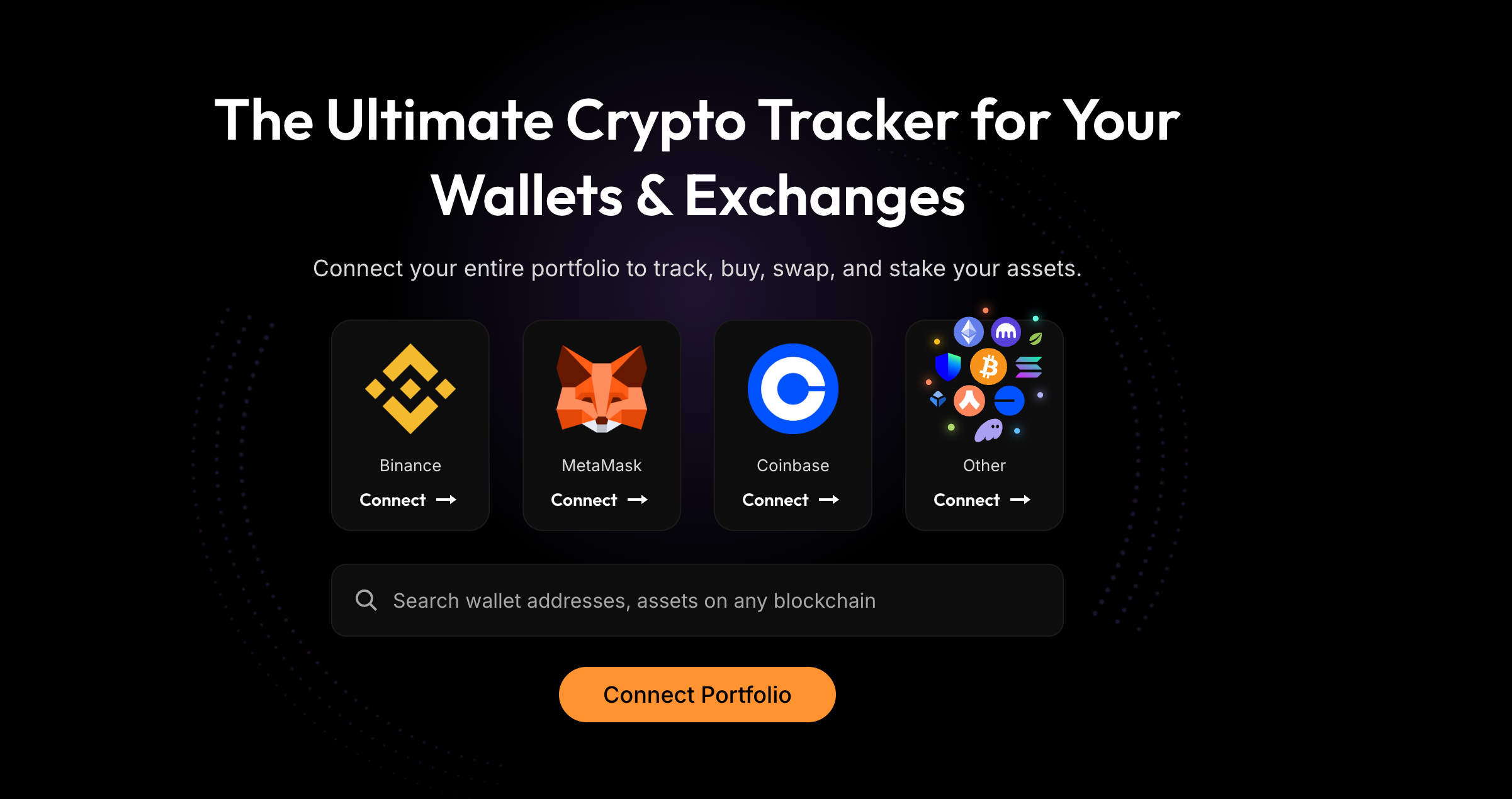
CoinStats runs on the web, iOS, and Android. You connect exchanges with API keys and wallets with public addresses. You can also buy, swap, and stake inside the same app.
CoinStats Portfolio.
Key Features
Tracks 300+ wallets and exchanges, NFT collections, and DeFi positions across 50+ chains in one dashboard
Has tools to study your portfolio: asset split, heatmap, fees paid, and wallet analysis
Sends price alerts and new-transaction notifications
Offers an AI agent and AI research tools on paid plans
Has browser extensions for Chrome and Firefox, plus a macOS widget
Pricing Model
Basic: free; 10 portfolios, 20,000 transactions, 10 syncs per portfolio per day
Degen: 500 portfolios; check the pricing page for the current price
7-day free trial on paid plans and a 14-day money-back guarantee
Benefits
One account on web, iOS, Android, browser extensions, and macOS
300+ supported wallets and exchanges
What Users Say
Reddit users value CoinStats for its broad exchange coverage and consolidated portfolio view. Syncing problems and missing assets appear in negative reports.
Pro tip: in June 2024, attackers drained 1,590 CoinStats wallets, about 1.3% of the total. The problem was the wallet CoinStats hosts for you, not the tracking tools. Use CoinStats for tracking only, and keep your funds in a separate wallet that you control.
Delta by eToro
Delta by eToro is best for holders with many types of assets, such as crypto, stocks, ETFs, and funds, and are ready to pay once they pass the free 10-asset limit.
Delta by eToro main page.
eToro has owned Delta since 2019. Alongside the assets above, the app covers forex, commodities, and NFTs in the same portfolio (not for rookies).
Key Features
Lets you connect any number of brokers, exchanges, and wallets
Shows returns by period, your mix of sectors, market sizes, and regions, and your risk level
Includes Delta AI, which explains why your portfolio is moving (full access on PRO and above)
Has a Following list and price alerts for any asset
Pricing Model
Basic: free; 10 assets, 1 portfolio, up to 5 devices
PRO: 40 assets, 1 portfolio; $6.99 a month or $53.88 a year on the web
PRO+: unlimited assets and portfolios; $13.99 a month or $107.88 a year
Sold as in-app subscriptions, and app-store prices can differ from web prices
Benefits
The free plan limits assets, not connections, so you can link many brokers and exchanges at no cost
Stocks and crypto use the same measures, so you can compare their returns directly
What Users Say
Reddit users praise Delta for bringing assets from different exchanges into one portfolio and making it easy to compare them in one place. The main complaint is the 10-asset limit on the free plan.
Pro tip: Gains Reporting shows your realized and unrealized gains and cost basis, and you can export it. It is listed under PRO+, so check that plan before you buy.
CoinMarketCap Portfolio
CoinMarketCap Portfolio is a good pick for beginners who already have a CoinMarketCap account.
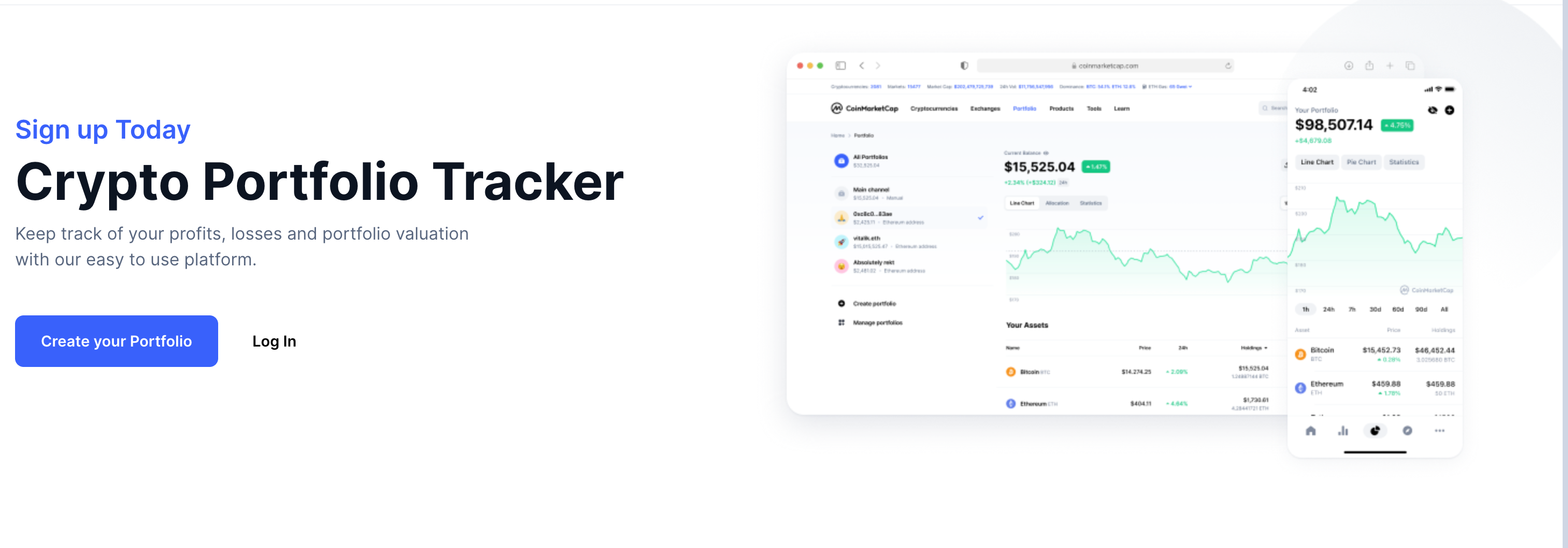
CMC portfolio tracker.
Every CoinMarketCap account includes a free portfolio. You can add holdings in three ways: type in transactions, add a wallet address that updates on its own, or sign in with a supported exchange. The portfolio is for information only. It cannot trade or hold your funds. Binance bought CoinMarketCap in 2020.
Key Features
Live prices and charts from CoinMarketCap data
Web and mobile apps
Pricing Model
Free: no paid portfolio plan
Benefits
If you already use CoinMarketCap, you start with the account you have
Wallet balances update from the address alone, with no API key
What Users Say
Reddit feedback is mixed. Users like the simple manual tracking, while recent discussions report missing historical entries and portfolio calculation problems.
Pro tip: check that your exchange is supported before you set up. The guide has a link to ask for a missing one.
CoinGecko Portfolio
CoinGecko Portfolio is best for holders who prefer to type in their own entries and watch only a couple of wallets.
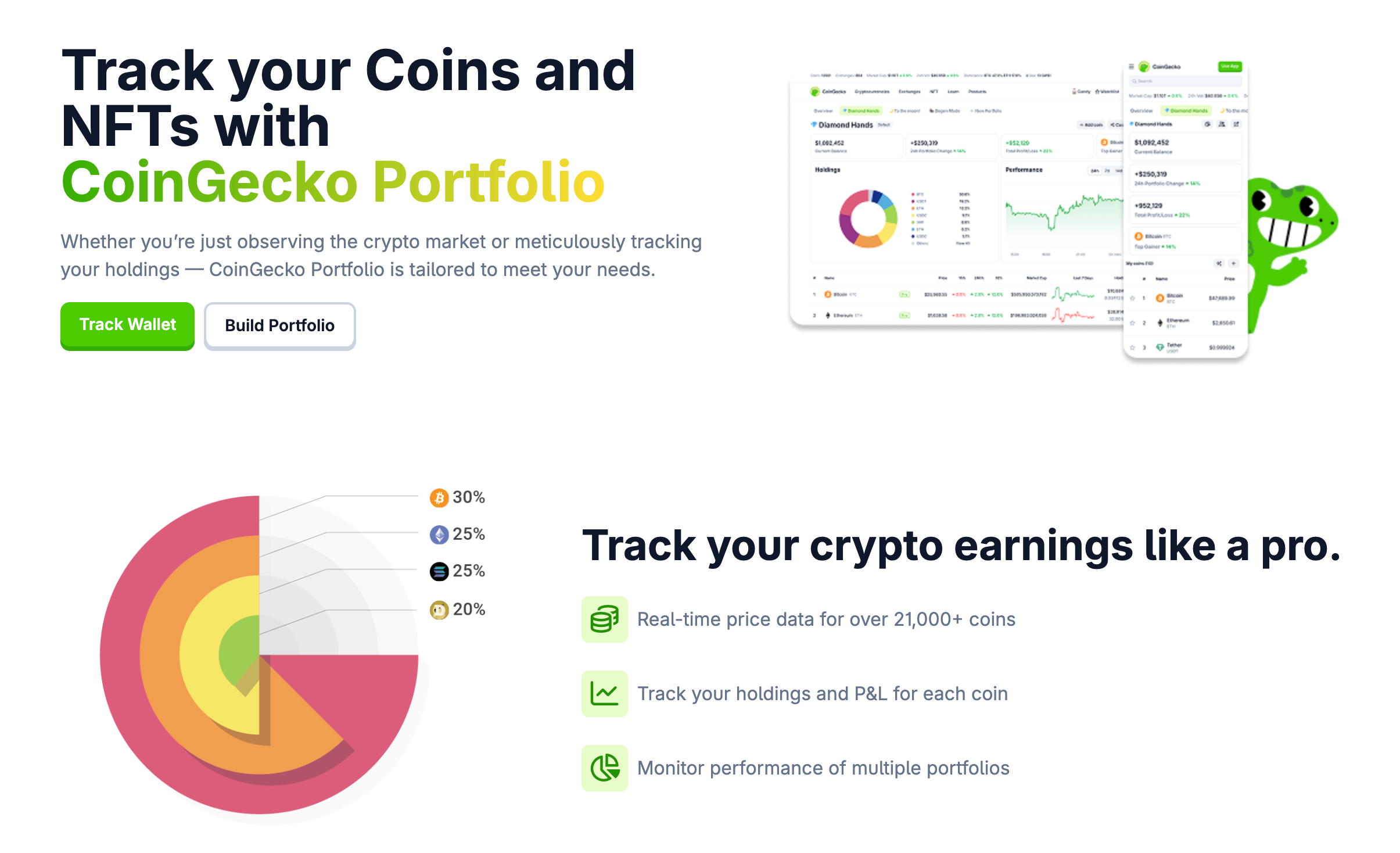
CoinGecko portfolio main page.
The portfolio uses the same market data as CoinGecko's price pages. You type in your exchange trades by hand, because no exchange connects. You can track wallets by public address: 2 on the free plan and up to 100 on Premium.
Key Features
Several portfolios on web, iOS, and Android
Prices for 21,000+ coins, including small and new ones
Profit and loss for each coin, based on your entries
One-time or repeating price alerts for coins and NFTs
Pricing Model
Portfolio: free; 2 tracked wallets and up to 500 manual transactions
CoinGecko Premium: optional, $99.90 a year (about $8.30 a month) or $10 a month; raises the wallet limit from 2 to 100 and removes the limit on manual transactions (CoinGecko)
Benefits
No exchange connections, so there are no API keys that could leak
A free portfolio with 21,000+ coins to choose from
What Users Say
Reddit users appreciate CoinGecko's simple portfolio tracking and the fact that it does not require connecting exchange accounts. Manual entry is the main recurring complaint.
Pro tip: when you move coins between your own wallets, record it as a transfer. If you record it as a sale, your profit and loss will be wrong.
Zerion
Zerion is best for DeFi users who keep their own wallets on Ethereum, Layer 2 networks, and Solana.
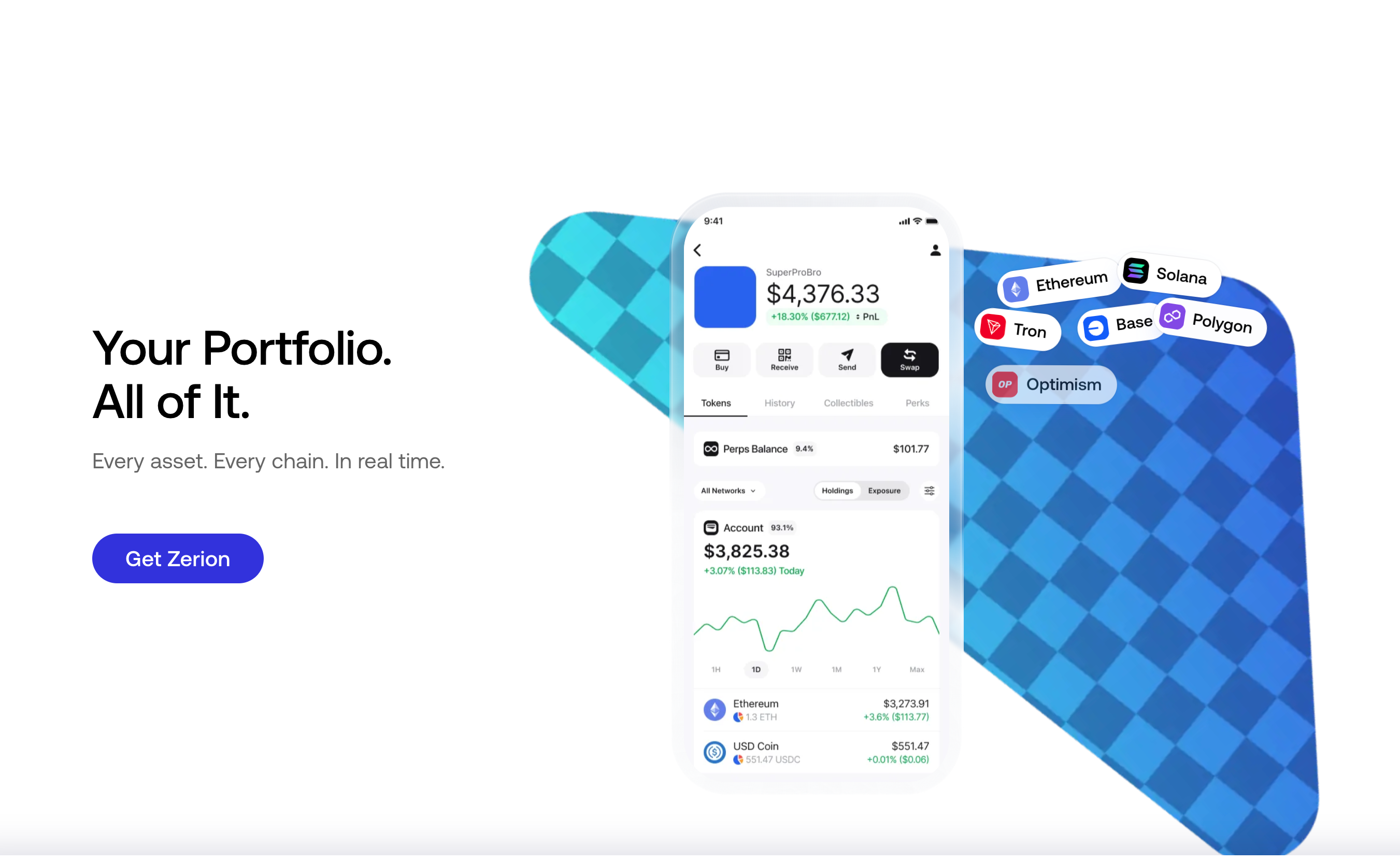
Zerion portfolio page.
Zerion is a wallet and a tracker in one app. Paste any public address, even a hardware wallet's, to see its tokens, NFTs, and DeFi positions in lending, liquidity pools, and staking.
Key Features
Finds DeFi positions, debts, and rewards across 66 chains
Lets you watch any address without creating a Zerion wallet
Finds swap and bridge routes through several DEX aggregators
Shows profit and loss for each token and position on Premium
Pricing Model
Free: track any number of addresses; swaps inside the app carry a 0.67% Zerion fee
Premium Individual: $99 a year for 1 wallet, with no automatic renewal; 50% off swap fees, plus profit and loss and CSV export
Debts and unclaimed rewards appear next to deposits, so you see the real value of each position
One portfolio across the mobile app, web app, and browser extension
What Users Say
Reddit users mention Zerion's wallet notifications and DeFi tracking as useful features. Some users report missing protocols and inconsistencies in portfolio values or charts.
Pro tip: check that your wallets are EVM wallets before you pay for Premium, because that is where the lower swap fee and CSV export apply.
DeBank
DeBank is best for people who want to look up DeFi positions in any EVM wallet for free.
Debank portfolio page.
The tracker works in the browser and reads on-chain data only. An EVM address or ENS name returns total value, a per-chain split, and positions in each supported DeFi protocol. Its developers also make the Rabby browser wallet, while the tracker itself is view-only and cannot sign transactions.
Key Features
Shows DeFi positions for any address you search
Covers Ethereum and EVM chains
Shows transaction history, with an analysis mode on the VIP plan
Has Stream, a social feed, and lets you follow other users
Pricing Model
Tracker: free
VIP subscription: optional; $15 for 1 month, $40 for 3 months, $75 for 6 months, $150 for 12 months. It adds Time Machine (compare your assets between any two dates), Transaction History Analysis Mode, portfolio change and summary views, profile extras, and higher follow limits
Web3 ID: a user ID created for an address
Benefits
The tracker is free, and VIP only adds date comparisons, transaction analysis, and profile extras
You can open any public wallet, which helps when you research large holders
What Users Say
Reddit feedback on DeBank is particularly positive among DeFi users. EVM coverage and detailed protocol positions are frequently praised, while limited non-EVM coverage and chart functionality come up as drawbacks.
Pro tip: the search bar accepts an address, a memo, or a Web3 ID, so you do not have to paste a full address.
CoinTracker
CoinTracker is best for US taxpayers who want tracking and tax forms from one transaction history.
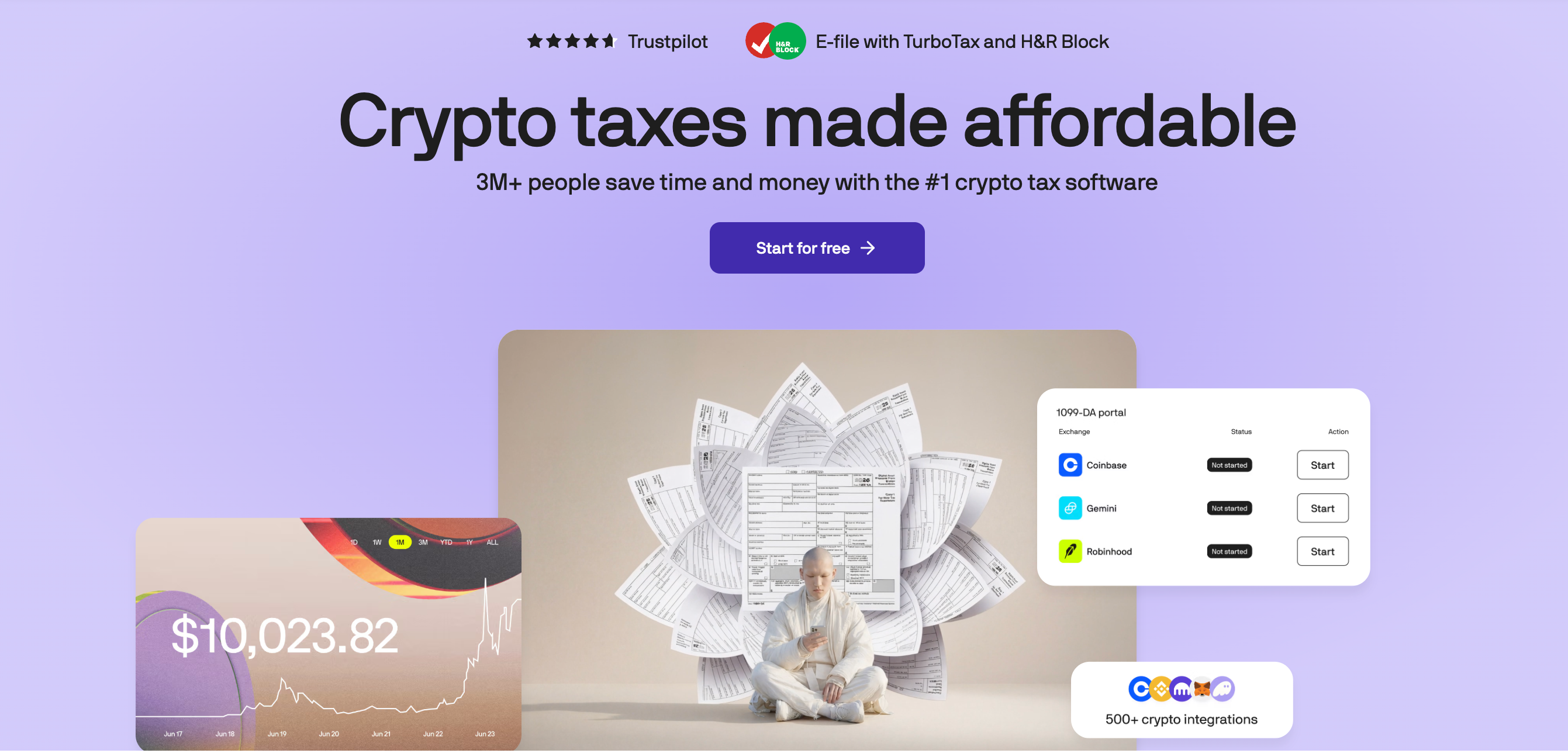
CoinTracker main page.
The service imports your transactions from 500+ exchanges and wallets, using API keys, public addresses, or CSV files. It works out your cost basis with FIFO, LIFO, HIFO, or Specific ID, so the profit and loss you see matches your tax report.
Key Features
Shows portfolio value, performance, and realized and unrealized gains over time
Calculates cost basis with several methods and hides spam transactions automatically
Has a tax-loss harvesting tool on Prime and Ultra
Connects directly with Coinbase and TurboTax
Pricing Model
Free: portfolio tracking, with no downloadable tax forms
Base: $59 a year, up to 100 transactions
Prime: $199 a year, up to 1,000 transactions; adds tax-loss harvesting; staking rewards and interest do not count toward the limit
Ultra: $599 a year, up to 10,000 transactions
Base+, Prime+, Ultra+, and an assisted Full Service plan are also available (CoinTracker pricing)
Benefits
One set of data for tracking and filing, so you do not re-enter anything at tax time
Tax-loss harvesting shows which positions could offset your gains before the tax year ends
What Users Say
Reddit users value CoinTracker for bringing wallet and exchange history into one tax workflow. Discussions also raise concerns about transaction categorization, cost-basis accuracy, and syncing.
Pro tip: count last year's transactions across all your exchanges and wallets before you pick a plan.
Kubera
Kubera is best for people whose wealth goes beyond crypto, such as property and private investments, and who are ready to pay for a net-worth tool.
Kubera main page.
Kubera has no free plan. It connects to bank and brokerage accounts, exchanges such as Coinbase, Binance, and Kraken, and wallets such as MetaMask. You add property, private equity, and other assets by hand. It can show your values in any currency, which helps if you hold accounts in several countries.
Key Features
Connects exchanges, wallets, banks, and brokerages
Recap reports show how your assets, debts, and net worth changed over time
Includes forecasting tools and AI import of files and screenshots
Life Beat Check (also called Dead Man's Switch): if you stop responding for a set time (90 days by default), an emergency contact gets your portfolio data as files (Kubera help)
Pricing Model
Essentials: $250 a year
Black: $2,500 a year; adds ownership tags and separate portfolios for each person, trust, or company, plus guided onboarding and VIP support
No free plan; a trial is available
Benefits
Tracks assets that crypto-only apps skip
Hands your data to someone you trust if you stop responding
What Users Say
Reddit users mainly praise Kubera as a consolidated wealth tracker. Its ability to combine crypto, brokerage accounts, private investments, and other assets is a recurring positive. Price is the main complaint.
Pro tip: use the trial to test your exchange and bank connections before you pay for a year.
How to Choose the Best Crypto Portfolio Tracker
Go through the six steps below to narrow the list to one or two trackers.
Step 1: Choose Between Exchange and Multi-Chain Crypto Portfolio Trackers
Start with where your crypto is kept. If it is on centralized exchanges, pick a tracker that connects to exchanges, such as CoinStats or CoinMarketCap, or NOW Tracker if your exchange is one of its 5. If it is in your own wallets on several networks, pick a DeFi tracker: Zerion if you use Solana, DeBank if everything is on EVM chains. If you use both exchanges and wallets, CoinStats keeps them in one dashboard.
Step 2: Decide If You Need Stocks or Net Worth Tracking
If you only own crypto, a crypto tracker is enough. If you also own stocks, look at NOW Tracker and Delta. NOW Tracker holds stocks on its free plan, while Delta stops at 10 assets before a paid plan. If you want property, bank accounts, or private assets in the same view, Kubera is built for that.
Step 3: Check Whether a Free Crypto Portfolio Tracker Is Enough
Eight of the nine trackers have a free plan. Kubera is the only one that does not. Paying makes sense in five cases:
you hold more than 10 assets in Delta
you need more than 10 portfolios in CoinStats
you want profit and loss and CSV export in Zerion
you need tax forms from CoinTracker
you want non-crypto assets in Kubera
Step 4: Pick a Tracker App for iPhone, Android, or MacBook
NOW Tracker, Delta, CoinStats, CoinTracker, Zerion, CoinMarketCap, and CoinGecko all have iOS and Android apps. On a computer, Delta has Windows and Mac apps and a web version. DeBank works in the browser and in iOS and Android apps. Kubera runs on the web and can be installed on your phone as a mobile web app.
Step 5: Check Whether You Need Tax Reports
If you pay taxes on crypto, start with CoinTracker, so you do not have to move your history to a separate tax tool later. If you prefer other tax software, you can feed it with the CSV export from Zerion Premium.
Step 6: Start With One Connection If You Are a Beginner
Connect one exchange or paste one wallet address first. Check that the balance matches what you see on the exchange or in your wallet. Add the rest once the numbers agree. NOW Tracker is a free place to start, so adding wallets one by one costs nothing. CoinMarketCap works the same way on a free plan. For every exchange, create API keys that can only read data, with withdrawals turned off.
A basic tracker needs prices from a market-data API such as CoinGecko's or CoinMarketCap's, balances from public addresses or read-only exchange keys, and a place to store your holdings. Total value is holdings times price. Profit and loss is the difficult part, because it needs your full transaction history. For a few assets, a spreadsheet is enough.
Yes, but only if you have a few assets and rarely trade. You have to enter every transaction and update every price yourself.


 NOW Tracker.
 NOW Tracker asset’s prices in real-time.
 Portfolio Analysis.
 Integration with ChangeNOW.
 A NOW Tracker review in the App Store, March 2024: 4 stars.
 CoinStats Portfolio.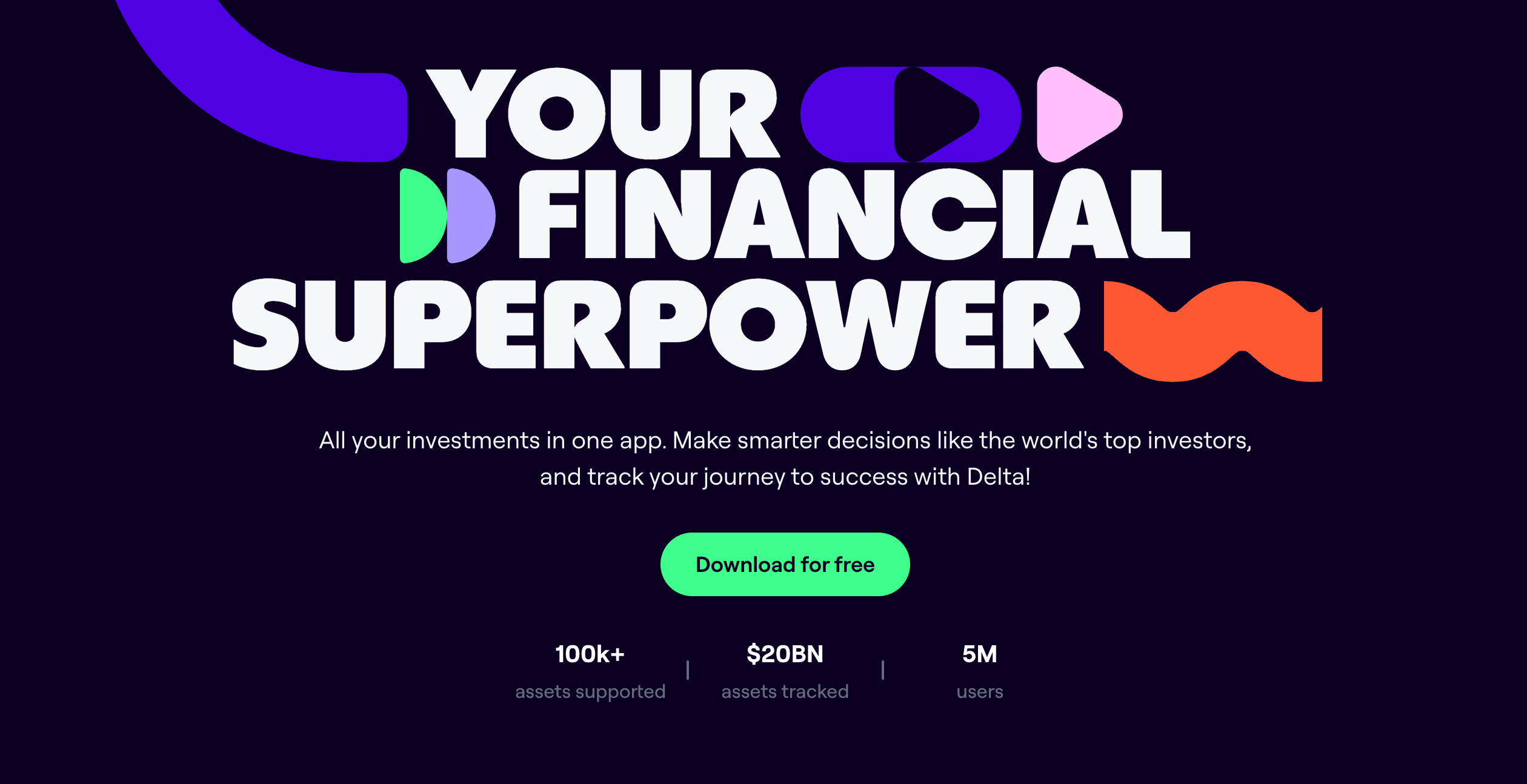
 CMC portfolio tracker.
 CoinGecko portfolio main page.
 Zerion portfolio page.
 Debank portfolio page.
 CoinTracker main page.
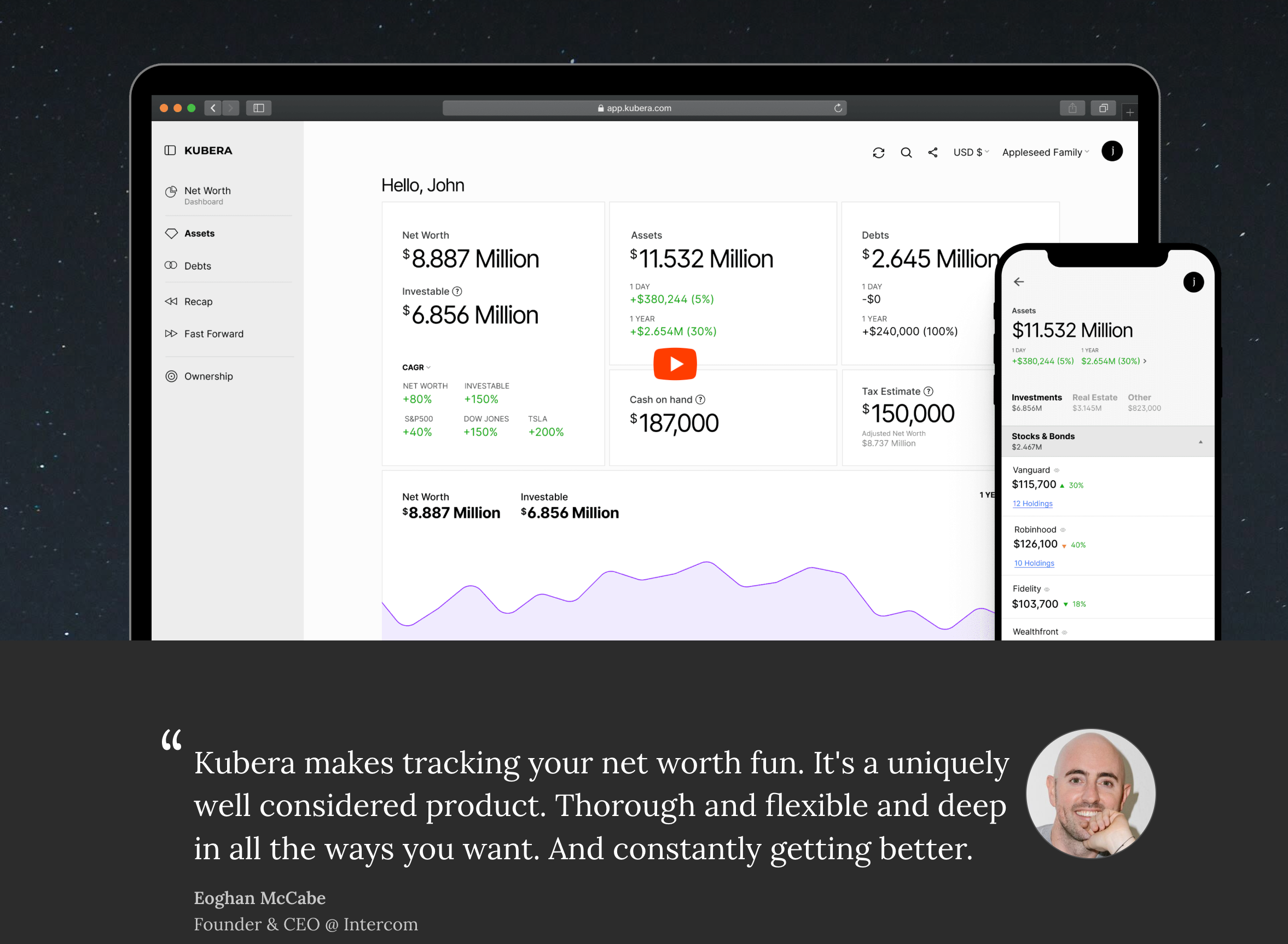 Kubera main page.


